
Software
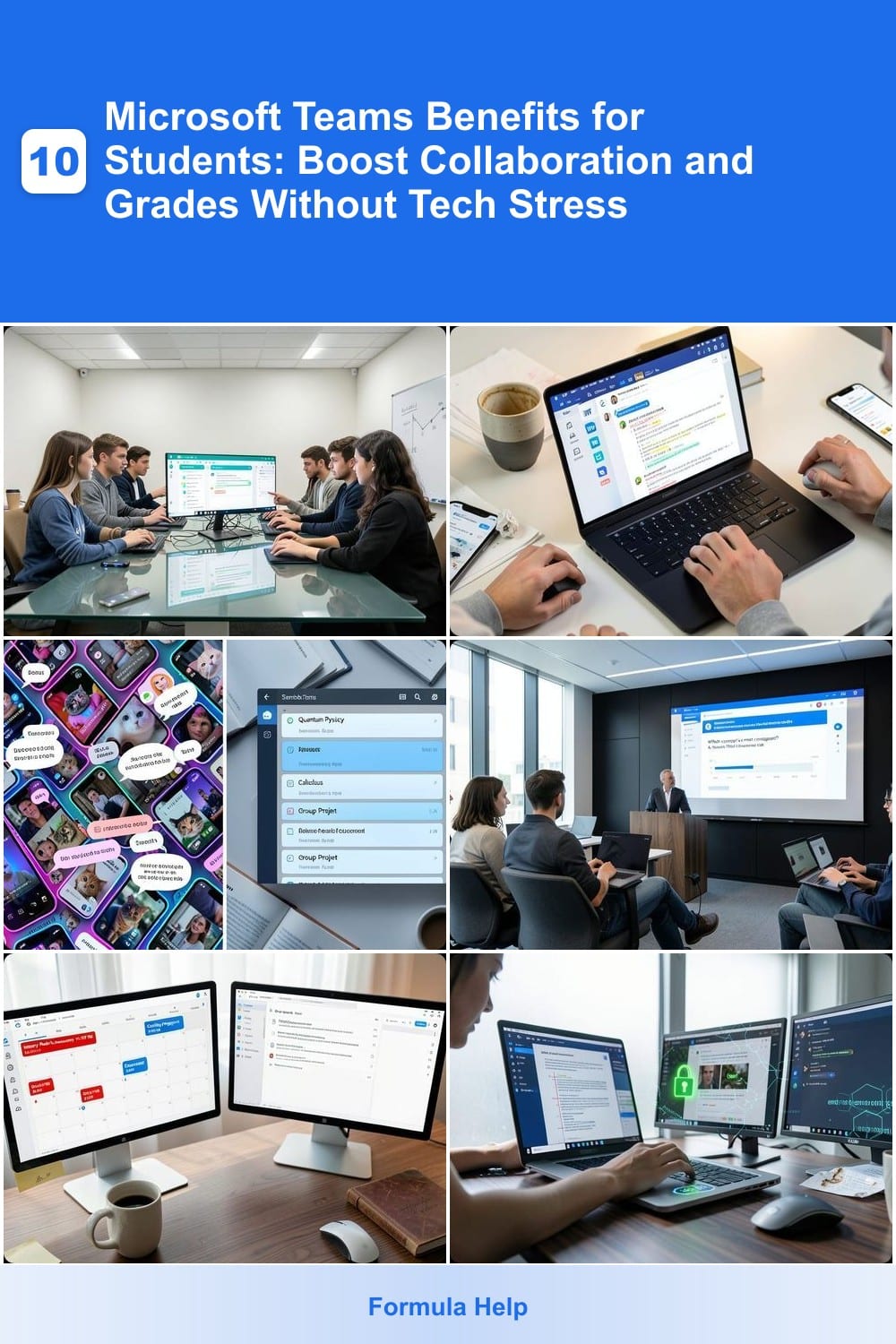
Struggling with group projects or disorganized study sessions? Microsoft Teams transforms how students collaborate, communicate, and manage workloads—without the steep learning curve of other tools. These 10 benefits prove why it’s the ultimate productivity ally for academic success.
Real-time group project collaboration
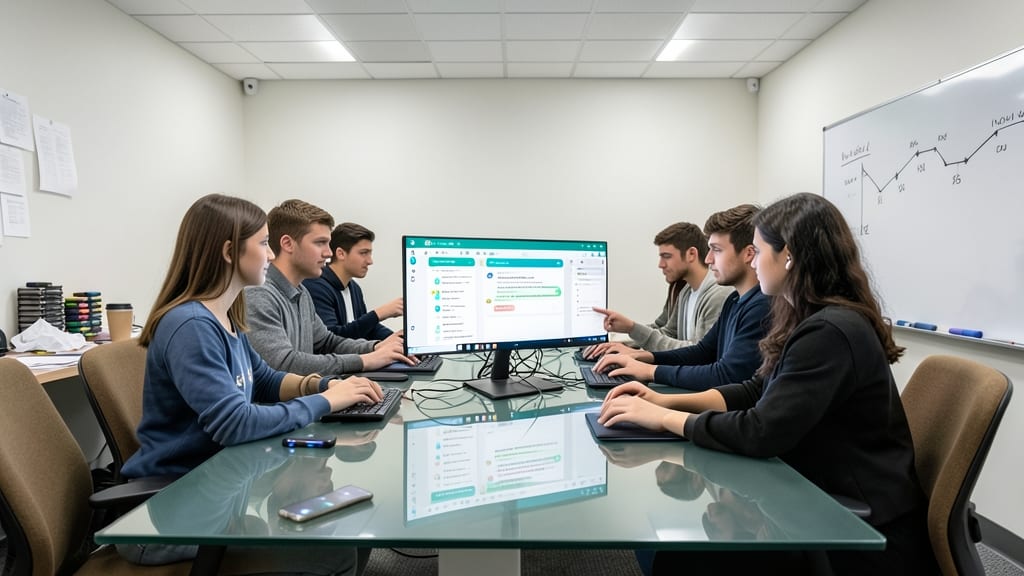
Group projects used to mean endless email chains, version control nightmares, and last-minute scrambles to combine everyone’s work. Microsoft Teams flips the script with real-time co-authoring—where every team member edits the same document, spreadsheet, or presentation simultaneously, with changes appearing instantly. No more "I didn’t see your updates!" moments or frantic "Can you send me your version?" messages.
The magic happens with shared workspaces that integrate seamlessly with Word, PowerPoint, and Excel. Need to tweak a slide deck? Your teammates see your edits in real time, with color-coded cursors showing who’s actively working. The task list feature lets you assign sections (like "Research" or "Design") directly in the file, so everyone knows their role without guessing. For coding assignments, the GitHub integration lets your team sync code changes while tracking contributions—perfect for group hackathons or software engineering projects.
This is your secret weapon for creative projects—whether you're designing a presentation, drafting a research paper, or debugging code. No more late-night panic when the deadline hits; every contribution is visible, tracked, and ready to submit as one polished project. ⚡
Seamless integration with Office 365
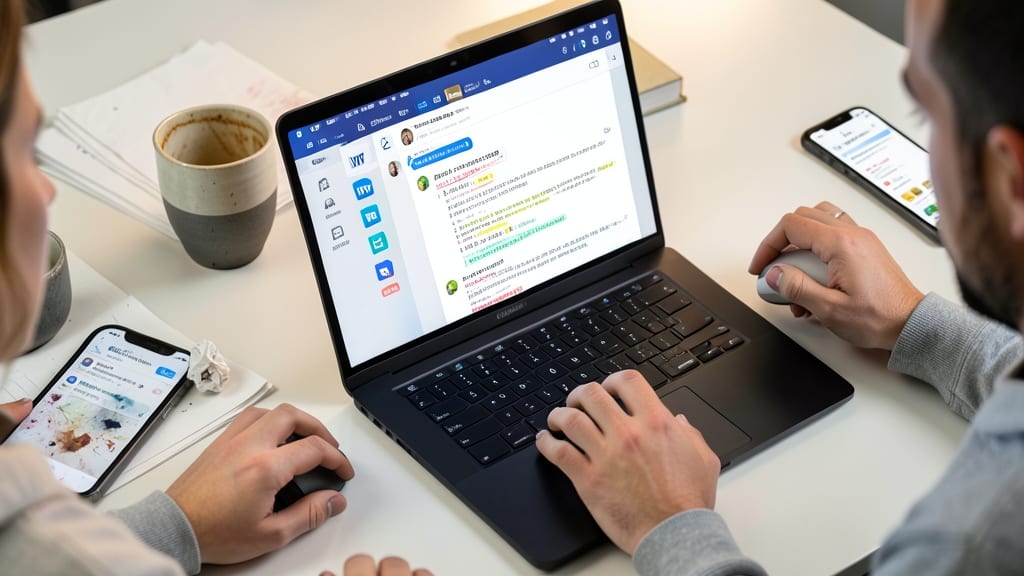
Tired of emailing draft after draft to group members, only to lose track of the latest version? Microsoft Teams eliminates version control chaos by embedding Office 365 apps directly into chats and channels. Open a Word document shared in Teams, edit it in real-time with teammates, and watch changes appear instantly—no more "finalfinalv3.docx" headaches.
The integration goes beyond documents: Excel spreadsheets sync live for collaborative budgeting or data analysis, while PowerPoint presentations let your entire study group annotate slides together. Need to reference an older version? The built-in version history tracks every edit, so you can revert to a previous draft if needed. Plus, @mentions in comments ensure everyone stays on the same page—literally.
This is a game-changer for students already using Microsoft’s suite for coursework. Whether you're drafting a group research paper or crunching numbers for an economics project, Teams keeps everything in one place—no more scattered files or "I thought you updated this!" confusion. 💡
Structured study group channels
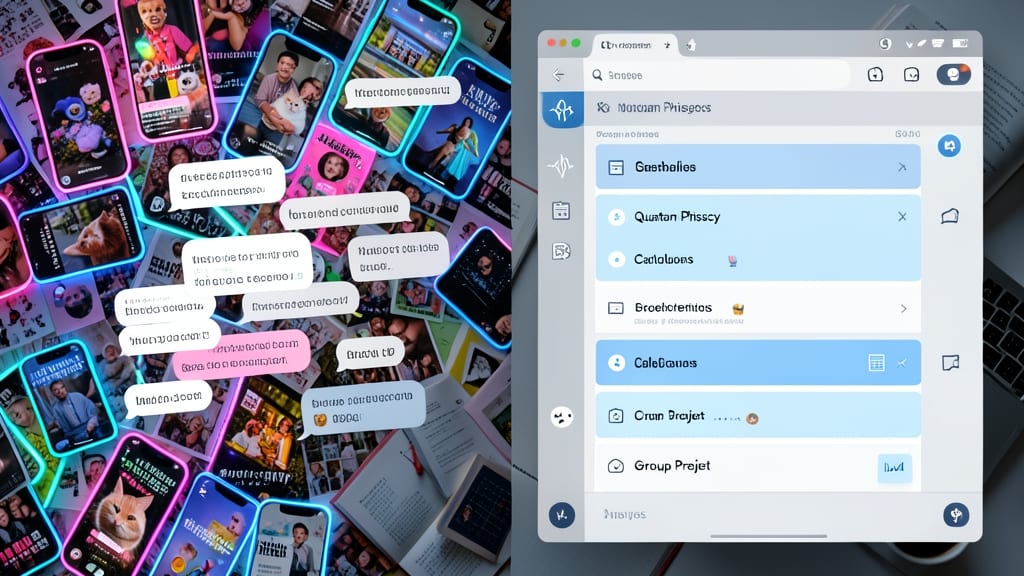
Drowning in group chats where calculus questions get lost in memes? Structured study group channels in Microsoft Teams solve that by letting you create dedicated spaces for each subject or project—no more scrolling through unrelated messages.
With searchable tabs for topics like "Quantum Physics" or "Marketing Case Studies," you’ll find answers fast. Pin important files (like syllabi or rubrics) at the top, and use @mentions to tag teammates without flooding the main chat. The mobile app even lets you join study sessions on the go—perfect for last-minute prep before exams.
STEM students and literature groups will love how channels keep discussions organized by theme, not just time. No more "Where’d we leave off?" moments—just focused, efficient collaboration. ✨
Built-in classroom polls and quizzes
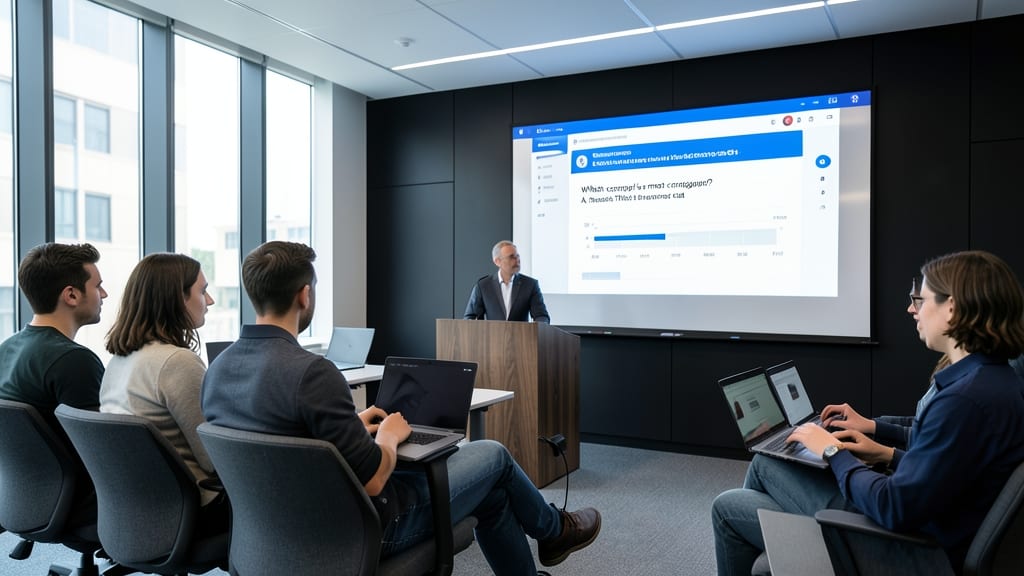
Ever sat through a lecture wondering if anyone else "gets it"? Microsoft Teams’ built-in polls and quizzes turn passive listening into interactive learning—no extra apps required. Professors can launch real-time questions during class, from multiple-choice checks to open-ended discussions, all visible in live results.
You get anonymous responses to reduce stage fright, customizable question types (true/false, emoji reactions, or short answers), and instant analytics to spot class-wide confusion. The zero-config setup means polls launch in seconds—perfect for 100-person lectures where raising hands isn’t an option. Results even export to Excel for follow-up.
This is a game-changer for large lecture halls or hybrid classes, where traditional participation tools fall short. Whether it’s a quick exit ticket or a mid-semester concept check, Teams makes engagement effortless. ✨
Automatic assignment tracking
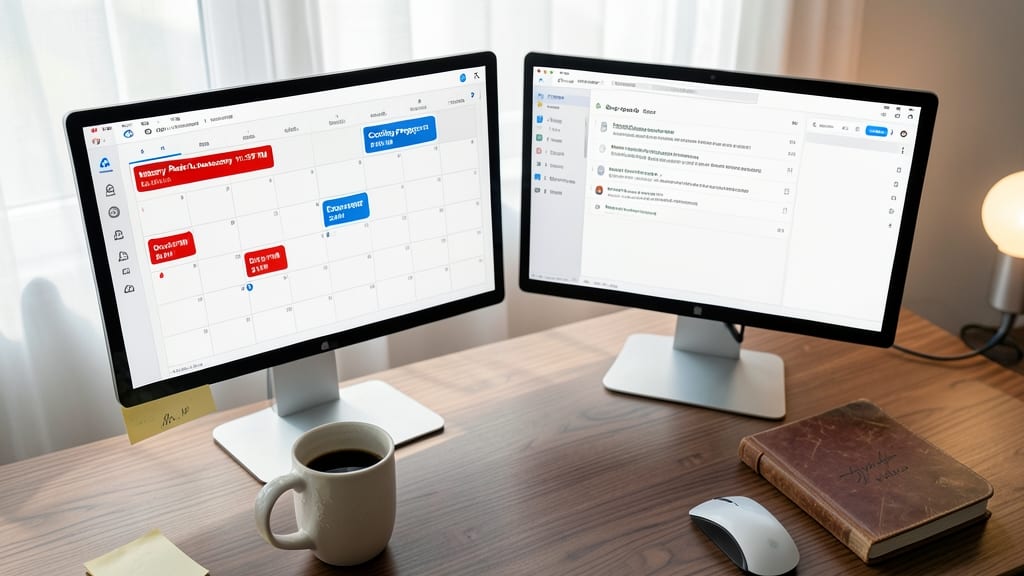
Forget juggling sticky notes and scattered reminders—Microsoft Teams automatically syncs assignment deadlines directly to your calendar. Whether it’s a history paper due next Monday or a coding project with a 2 AM deadline, the app ensures nothing slips through the cracks.
With customizable reminders (daily, weekly, or even push notifications), you’ll get alerts tailored to your workflow. The Planner integration lets you drag-and-drop tasks between classes, while color-coded deadlines visually separate priorities. No more frantic last-minute scrambles when deadlines clash.
This feature is a game-changer for busy students balancing internships, extracurriculars, and multiple courses. Set it up once, and let Teams handle the rest—so you can focus on the work, not the panic. ✨
Secure file sharing for group work

Worried about accidentally sharing drafts or confidential research with the wrong person? Microsoft Teams’ end-to-end encryption ensures only authorized team members can access shared files—no more frantic "send to the wrong email" panics.
With 256-bit encryption as standard, sensitive documents like research papers, business case studies, or financial models stay protected during group work. The secure file-sharing feature even lets you set expiration dates on links, so access automatically revokes after a set time—ideal for temporary collaborations.
Perfect for graduate students, business majors, or research teams where confidentiality matters most. Rest easy knowing your work stays private, even if a link gets forwarded unintentionally. ✨
Virtual study rooms with screen sharing
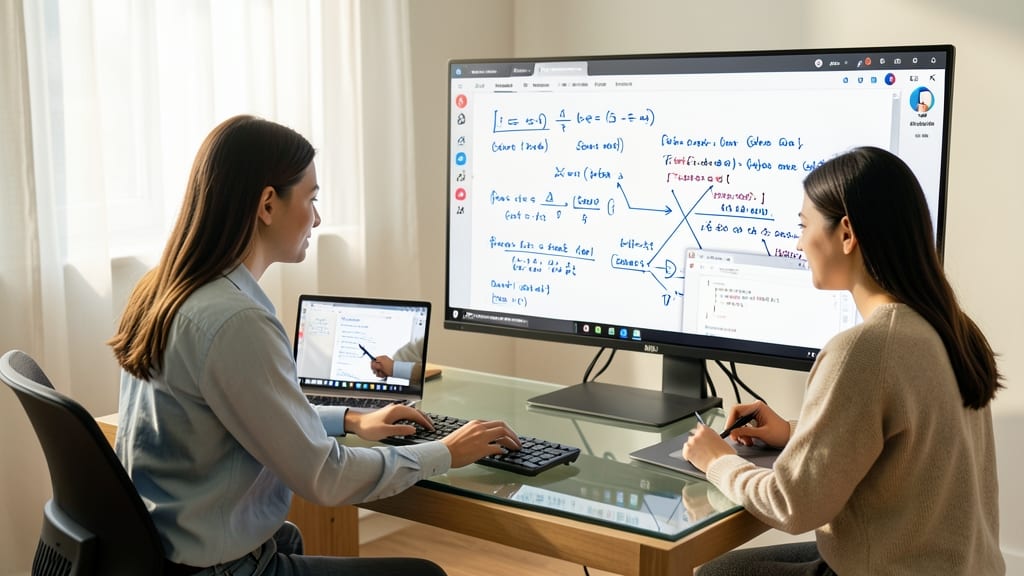
Need a whiteboard but stuck at home? Microsoft Teams’ virtual study rooms let you host collaborative sessions where everyone can share their screen—no extra tools required. This mimics the in-person experience of coding together or solving math problems side by side, but with the flexibility of remote work.
Create a private study room in seconds, then enable screen sharing to display your IDE, notes, or diagrams. The dual-screen view lets you see both the shared content and participants’ reactions, while the whiteboard tool adds a visual layer for brainstorming. Perfect for debugging code, reviewing papers, or tackling group assignments with real-time input.
Computer science majors, engineering students, and writing groups will love this feature—it turns solo study into a collaborative think tank without the travel. 💻
Mobile access for on-the-go students
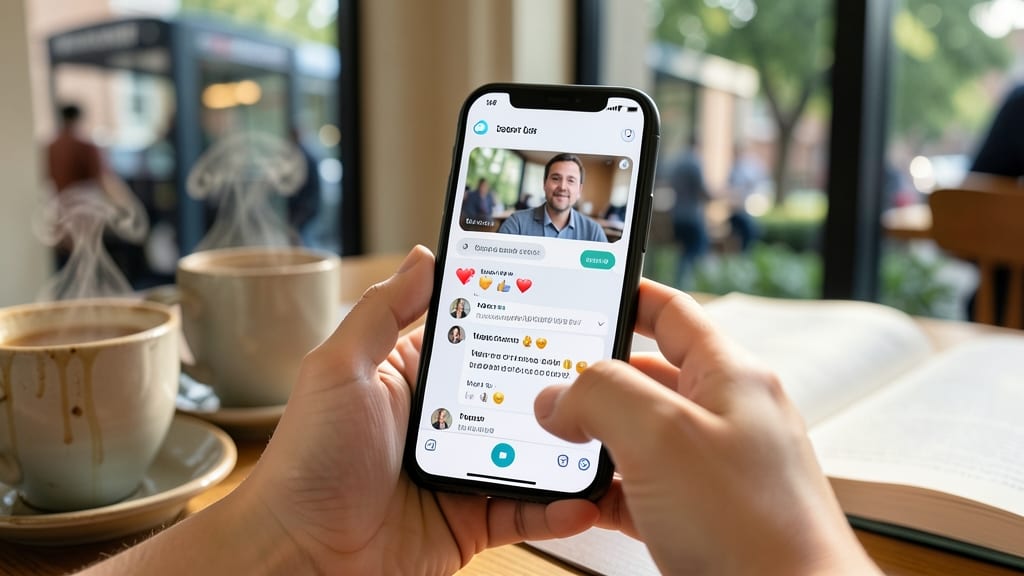
Forget being glued to your laptop—Microsoft Teams’ mobile app brings full functionality to your pocket. Whether you're waiting for the bus, grabbing coffee between classes, or stuck in a last-minute study crunch, you can respond to group chats, upload files, or join video calls without missing a beat.
The app supports real-time collaboration on documents, instant notifications for urgent messages, and even screen sharing for quick troubleshooting. With offline mode, you can draft messages or mark tasks when connectivity drops, syncing everything once you’re back online. Plus, the intuitive interface mirrors the desktop version, so no learning curve for on-the-go use.
Perfect for commuters, part-time workers, or students with erratic schedules, Teams mobile turns your phone into a productivity powerhouse. No more rushing back to your dorm or desk—your academic workflow stays in your hands. ✨
Customizable notifications to reduce stress

Drowning in endless pings and dings during all-night study sessions? Microsoft Teams lets you silence non-urgent alerts—like group chats or meeting invites—while keeping critical notifications (like professor messages) front and center. This precision control transforms chaos into focus, especially during exam weeks or project deadlines.
You can mute entire channels or set custom rules to filter notifications by priority, sender, or even time of day. The app also lets you schedule "Do Not Disturb" modes during study blocks, ensuring no alerts interrupt your flow. For students balancing multiple classes, this feature acts like a digital "focus filter," helping you stay locked in without missing what truly matters.
Perfect for night owls cramming for finals or grad students juggling research and teaching assistantships, this tool turns Teams from a distraction into a productivity powerhouse. ✨
Free education license for all students
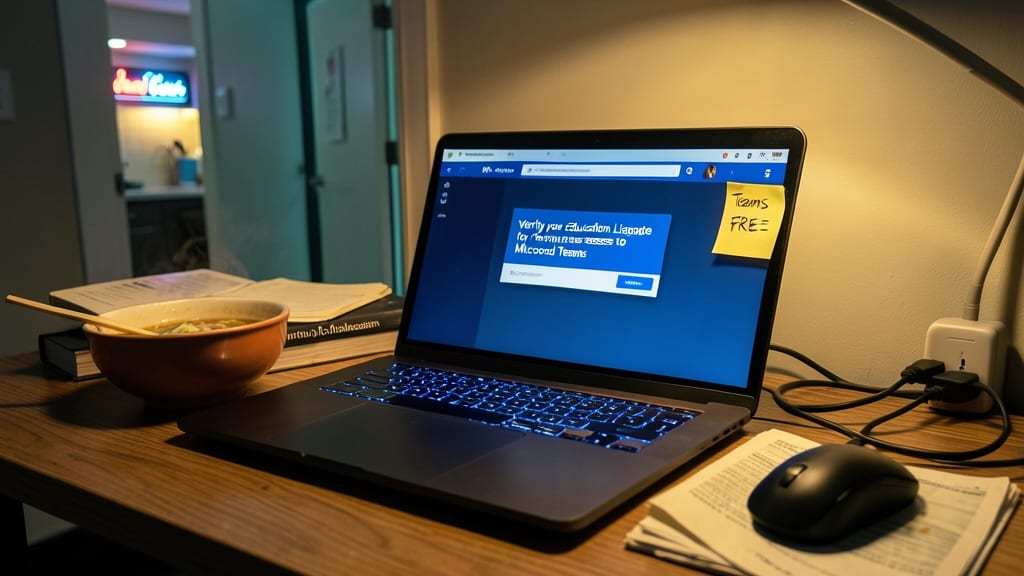
Worried about the cost of productivity tools while balancing tuition, textbooks, and ramen? Microsoft eliminates that stress entirely with its free Education License for Teams—just verify your school email, and you unlock full access to enterprise-grade collaboration tools.
You get all premium Teams features—video calls, file storage, and integrations—without paying a dime. The license even includes 1TB of cloud storage per user, perfect for storing research papers or group project files. Plus, Microsoft’s 99.9% uptime guarantee means your study group won’t get disrupted by outages.
This isn’t just a discount—it’s a level playing field for every student, whether you’re in a community college or an Ivy League program. No more choosing between affordability and functionality. ✨