
Troubleshooting
Posting too much online can turn your social media into a privacy nightmare. These 10 dangers of oversharing reveal how seemingly harmless updates can expose you to identity theft, cyberstalking, and more—with real-world examples to help you spot the risks before it’s too late.
Geotagging Your Daily Routine
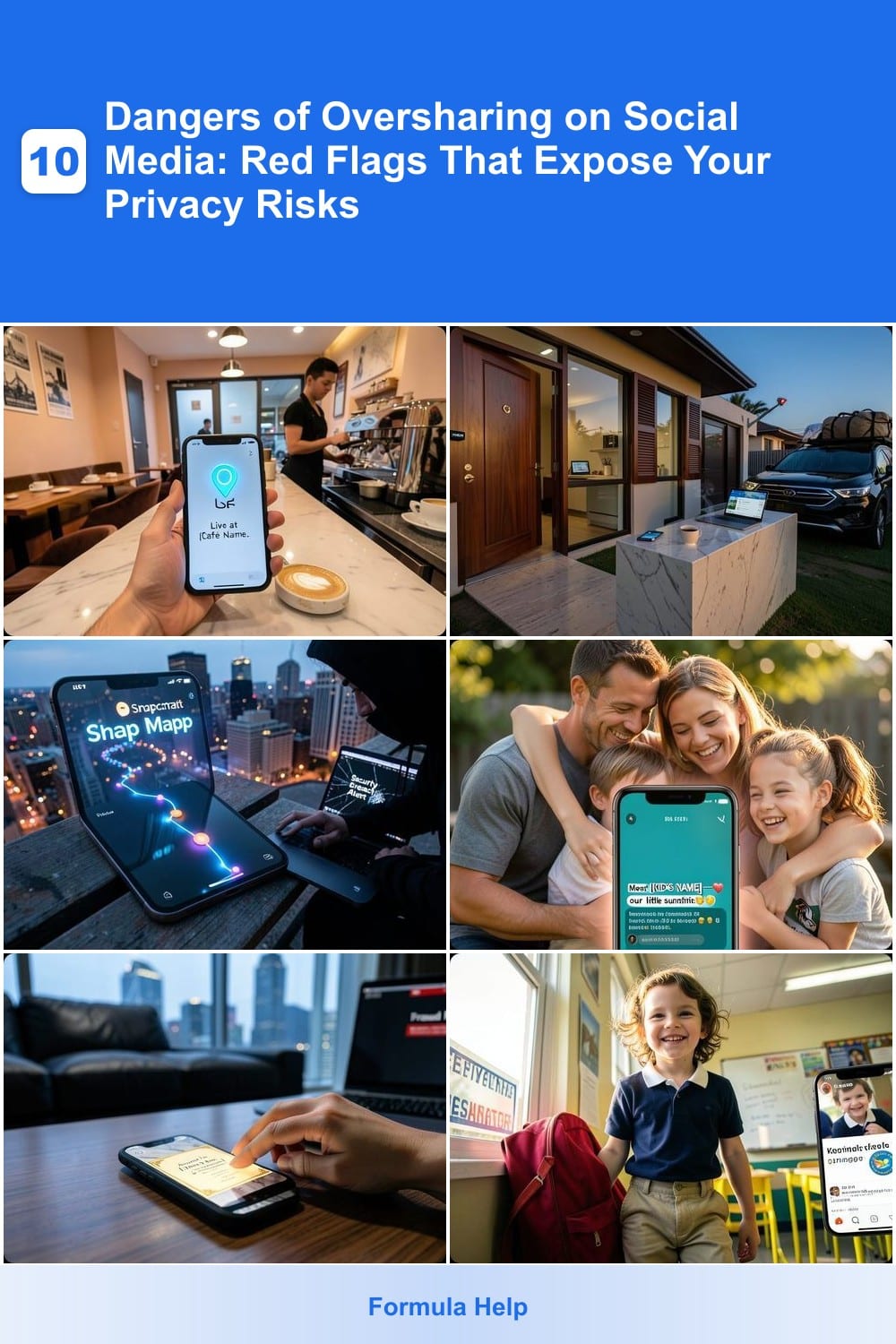
That innocent "check-in" at your favorite café might just be inviting trouble. When you geotag posts—especially on platforms like Instagram, Facebook, or Twitter—you’re essentially leaving a digital breadcrumb trail that pinpoints your exact location in real time. Criminals, stalkers, or even opportunistic burglars can exploit this to track your daily movements, making your home or workplace a prime target.
Most smartphones enable geotagging by default, and even "private" posts can leak location data if metadata isn’t stripped. A single tagged photo from your home address or office building could be all it takes for someone to case the area. High-profile professionals, activists, or anyone with security concerns should treat geotagging like an open invitation—because in many cases, it is.
Before posting, disable location services for the app or manually remove geotags using tools like Exif Viewer or platform-specific privacy settings. If you’re in a high-risk field, consider using a burner account for public posts or enabling "Location Services" only when absolutely necessary. 💻
Sharing Vacation Plans Publicly
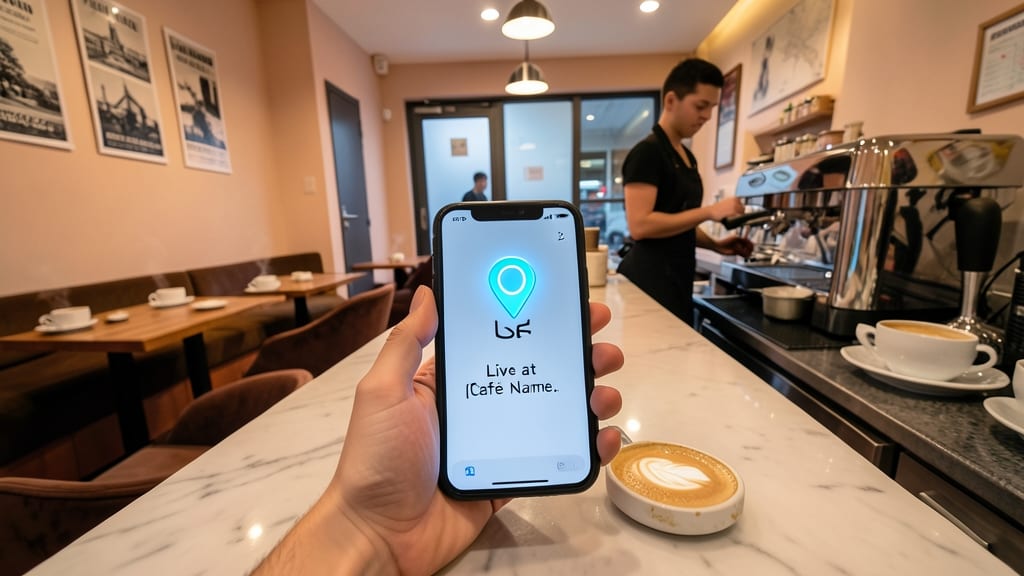
That dreamy vacation post might seem harmless, but announcing your trip publicly can turn your home into a prime target. Burglars often monitor social media for empty home alerts, especially when you share pre-trip updates or check-in at airports—making luxury properties or frequent travelers even bigger risks.
Platforms like Facebook and Instagram make it easy to overshare with countdowns, location tags, and "out of office" statuses. A 2023 FBI report found that 30% of home burglaries occur when residents are away, often after they’ve posted about their trip. Even "private" posts can leak to the wrong audience, and third-party apps may scrape this data for criminal use.
If you love sharing your adventures, wait until you’re back home to post—especially for high-value properties. A quick privacy audit (disable location tags, delay posts) can save you from a costly surprise. 🌟
Posting Real-Time Location Updates
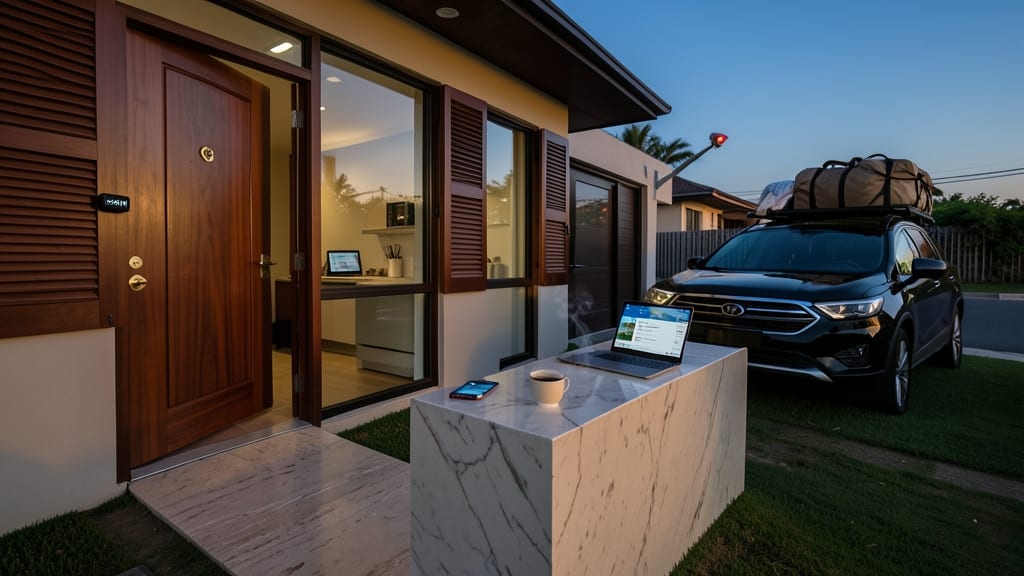
Think sharing your live location with friends is harmless? Apps like Snapchat’s "Snap Map" or Find My Friends can be exploited by stalkers, corporate spies, or even hackers—especially if your account isn’t locked down. Unlike static geotags, real-time updates create a digital breadcrumb trail that never disappears.
Most platforms store location history indefinitely unless manually deleted, making it easy for third parties to track your daily routines, home addresses, or even secret meetings. For example, a 2022 study found that 68% of shared locations on Snap Map remained accessible for weeks—long after the user stopped sharing. Even "private" sharing can be intercepted if your device is compromised.
This risk isn’t just theoretical: CEOs, activists, and parents have faced stalking or harassment after oversharing live locations. If unpredictability is your superpower, disable real-time sharing entirely or use end-to-end encrypted alternatives like Signal’s location tools. 💻
Revealing Pet Names or Family Members
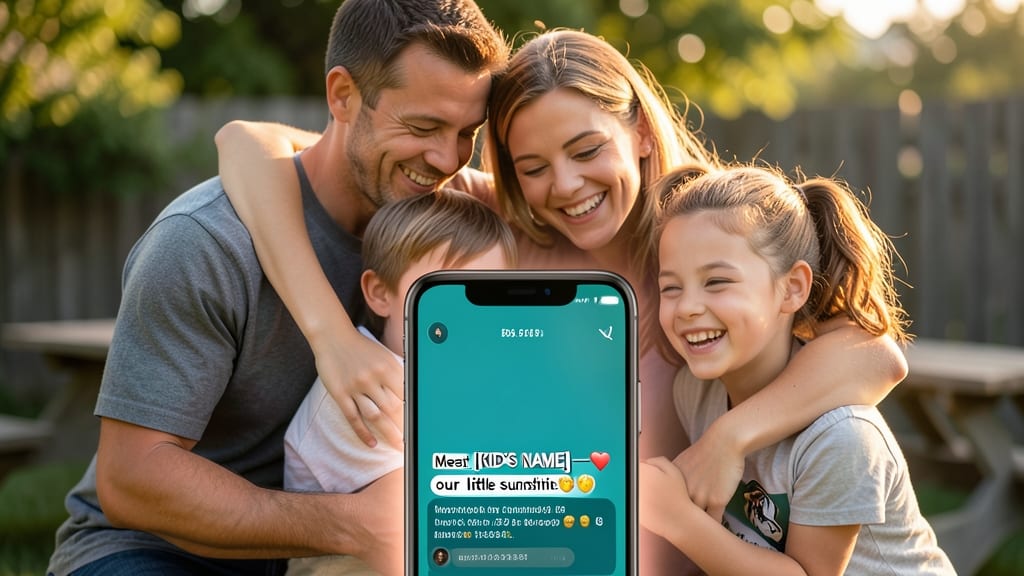
That adorable family photo with your kid’s name in the caption might seem harmless, but it’s a goldmine for hackers. Most password recovery systems rely on security questions like "What’s your pet’s name?" or "Who was your first teacher?"—information you’ve likely shared publicly.
When you post these details, you’re handing cybercriminals the keys to your accounts. A 2023 study found that 65% of security breaches involved compromised credentials, often unlocked by oversharing. Even "private" posts can be scraped by bots, and social engineering attacks use this data to trick you into revealing more.
This risk is especially critical for high-net-worth individuals or public figures, whose accounts may hold sensitive financial or personal data. A simple fix? Avoid tagging names in photos, use fake answers for security questions, and limit who sees your posts. 💻
Oversharing Financial Milestones
That new promotion or dream home might feel like a flex, but posting financial milestones online is like waving a red flag for scammers. A single update about your salary raise, mortgage approval, or luxury purchase can turn you into a prime target for loan fraud, phishing schemes, or even identity theft—especially if you’re an entrepreneur or remote worker with fluctuating income.
Scammers use these posts to craft hyper-targeted phishing emails (e.g., "Congrats on your raise! Verify your account now") or apply for loans in your name. Even seemingly harmless details like a new car model or vacation home can reveal your spending power. One study found that LinkedIn users who post salary updates are 3x more likely to receive phishing attempts within weeks.
If you’re proud of your achievements, celebrate privately or with trusted friends. Use platform-specific privacy tools (like Instagram’s "Close Friends" or LinkedIn’s audience controls) to limit exposure. Your financial security is worth more than a quick like. ✨
Tagging Children in Posts
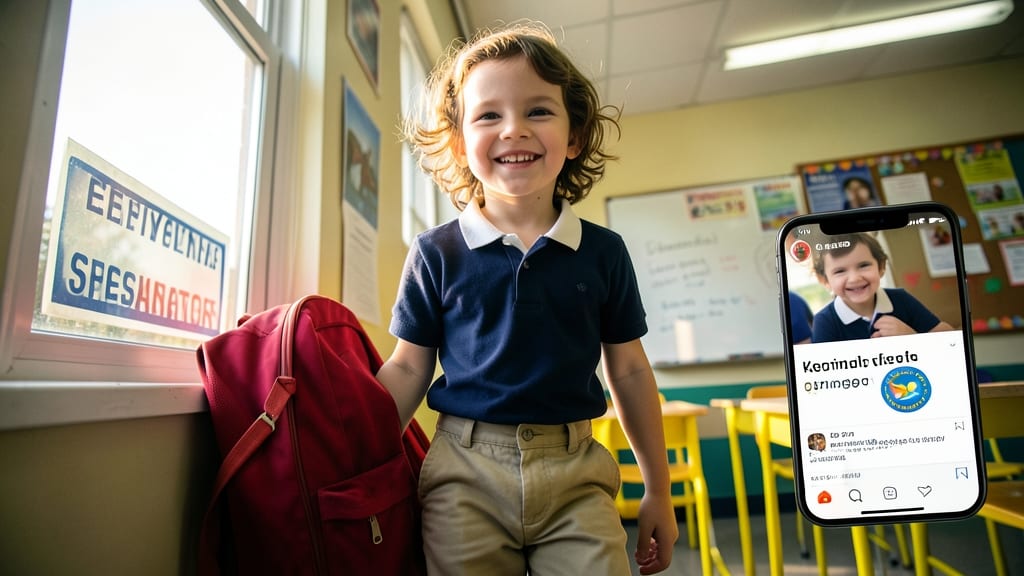
Tagging your child in a cute school photo might seem harmless, but it’s one of the most dangerous oversharing risks online. Predators actively scour social media for children’s names, faces, and locations—using them to build trust for grooming or even identity theft. A single tagged post can give them enough intel to impersonate your child or target your family.
Most platforms allow you to blur faces or restrict tags to approved followers, but many parents overlook these settings. Even "private" posts can leak through screenshots or third-party apps. The National Center for Missing & Exploited Children reports a surge in cases tied to oversharing kids’ details online—often starting with innocent-seeming tags. ⚡
This isn’t just about strangers: teachers, coaches, or family friends with access to your posts could misuse this info. Always ask yourself—would a stranger need this detail to harm my child? If yes, hit "delete" before posting. 💻
Posting Medical Conditions Publicly
Your medical history is like a digital goldmine for scammers, insurers, and even employers—yet many people casually post about diagnoses, surgeries, or prescriptions without realizing the risks. A single overshared update can trigger insurance fraud, job discrimination, or identity theft, turning your social media into a liability.
For example, posting about a rare autoimmune disorder might attract scammers selling unproven treatments, while sharing a diagnosis publicly could lead to higher premiums or denied coverage. Even vague terms like "recovering from surgery" can be weaponized by targeted phishing attacks or sold on the dark web. Platforms like Facebook and LinkedIn have faced lawsuits over how they handle health data—yet users still overshare.
This risk isn’t just for patients: caregivers, family members, or even friends who post about someone else’s health can become unintended targets. If you or a loved one has a chronic or rare condition, privacy settings alone won’t protect you—think twice before hitting "share." ✨
Sharing Personal Habits or Routines
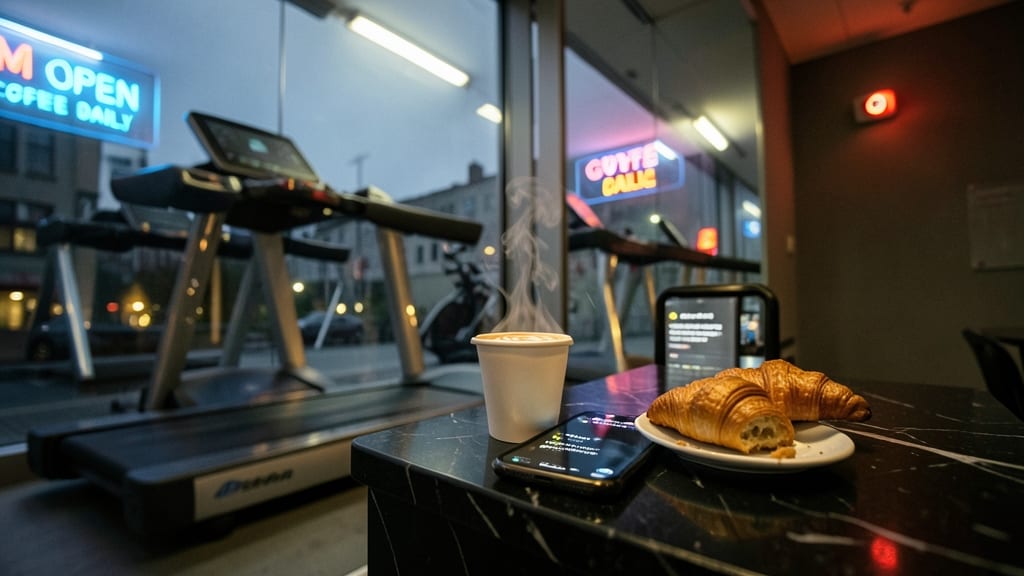
That morning coffee run might seem harmless, but posting your daily gym sessions at 6 AM or weekly coffee shop visits creates a predictable pattern for criminals. High-profile athletes and CEOs have fallen victim to stalkers or thieves who exploit these routines, turning public posts into a security risk.
Even seemingly innocent updates—like checking into the same gym three times a week or tagging your favorite coffee shop’s location—can be tracked by stalkers or burglars. A study by cybersecurity firm Kaspersky found that 43% of high-profile targets experienced harassment after sharing routine posts. Adjusting privacy settings to "Friends Only" or disabling location tags can help, but the safest move is to avoid posting schedules entirely.
If you’re a CEO, athlete, or anyone with a public profile, consider using private accounts or scheduling posts in advance with vague captions like "Had a great workout!" instead of revealing exact times or locations. 💪
Oversharing Workplace Details

Your LinkedIn post about your new C-suite promotion might feel like a career milestone worth celebrating—but it could also be a goldmine for competitors or disgruntled employees. A single update revealing your exact job title, salary band, or even office floor layout can tip off insiders about your company’s weaknesses, from proprietary projects to security gaps.
Even seemingly harmless details like office floor plans (shared in "aerial view" posts) or team structure updates can help rival firms map internal hierarchies. Meanwhile, salary disclosures—even if vague—can trigger internal resentment or fuel recruitment poaching. One misplaced post could turn your career win into a corporate vulnerability, especially in high-stakes industries like finance, tech, or defense.
If you’re in a competitive field, treat workplace updates like classified intel. Wait for promotions to be announced officially, and avoid sharing real-time office photos or project timelines. Your next career move shouldn’t hand competitors a cheat sheet. 💻
Using Real Names on Public Profiles
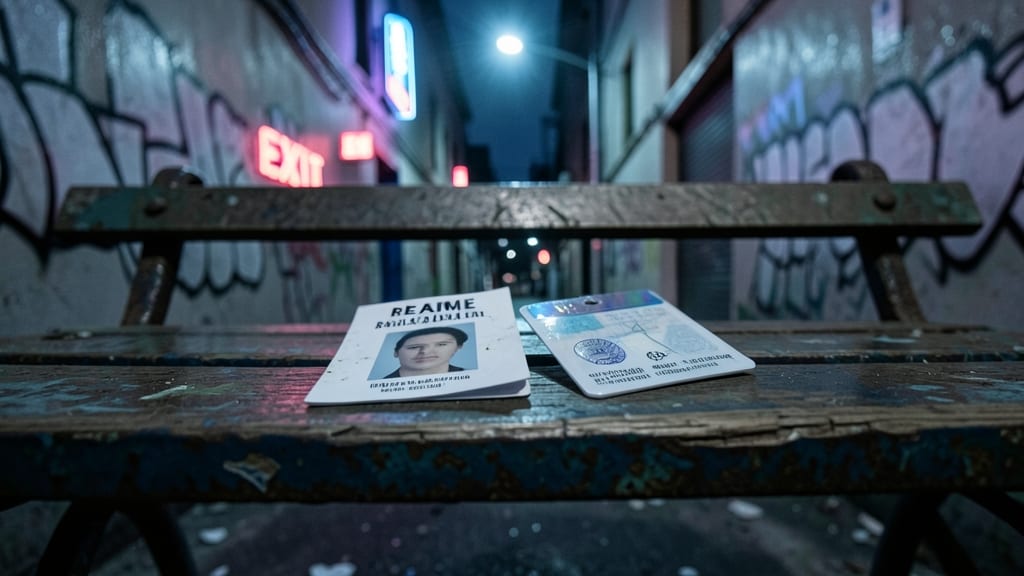
Your real name and profile photo might seem harmless, but they’re the digital equivalent of leaving your ID and passport on a public bench. Scammers and predators use this combo to create fake accounts, impersonate you, or even steal your identity—especially when paired with other overshared details like your workplace or habits.
Platforms like LinkedIn or Instagram often encourage real names for "authenticity," but hackers exploit this by cross-referencing your info with other posts. A full name + photo lets them craft convincing phishing emails or catfish profiles. Even influencers and freelancers risk brand hijacking—imposters can pose as you to scam followers or clients.
If anonymity matters (or you just want to avoid scams), try nicknames or blurred photos—many platforms allow this. For extra security, use two-factor authentication and audit your tagged posts regularly. 💻