
Software
Looking to master Microsoft Access but don’t want to spend a dime? These 10 free online courses cover everything from beginner basics to advanced database management, ensuring you build real-world skills without breaking the bank.
Microsoft Access Beginner Tutorial from GCFGlobal
Stuck staring at a blank Microsoft Access window, overwhelmed by terms like "relationships" and "queries"? The GCFGlobal Beginner Tutorial is your stress-free on-ramp—designed specifically for absolute newcomers to relational databases. This course starts with the basics: what a database is, how to organize data into tables, and why relationships matter (spoiler: they’re like digital glue!).
You’ll learn to create your first simple queries (think "find all customers from New York") and design user-friendly forms—all without jargon overload. The step-by-step lessons include downloadable practice files, so you can follow along hands-on. By the end, you’ll have built a functional contact manager database from scratch, proving you’re no longer a beginner. The course also covers data validation rules to keep your entries clean, a skill that’ll save you headaches later.
This is the perfect starting point for students, small business owners, or anyone who’s ever wished they could organize data without spreadsheets. No prior tech skills? No problem—just bring curiosity and an open Access window. 💡
Microsoft Access 2016 Tutorial by Udemy Free Course
If you’re already familiar with older versions of Microsoft Access but need to catch up on the latest features, this Udemy Free Course is your bridge to Access 2016. Unlike beginner-focused tutorials, it assumes you know the basics and dives straight into new tools like Power Pivot integration, modern ribbon customization, and enhanced web database publishing—features that set 2016 apart from earlier versions.
The course includes hands-on exercises that walk you through migrating legacy databases to 2016’s improved structure, optimizing queries with the new query design engine, and leveraging template-based form creation. You’ll also explore data macros—a game-changer for automating workflows without VBA—along with real-time collaboration tools for shared databases.
Perfect for office professionals, freelancers, or small business owners upgrading from Access 2010/2013, this course ensures you’re not just learning features, but applying them to real-world efficiency gains. No prior 2016 experience? No problem—just bring your existing skills and a willingness to modernize. 💡
YouTube Crash Course by Access Expert
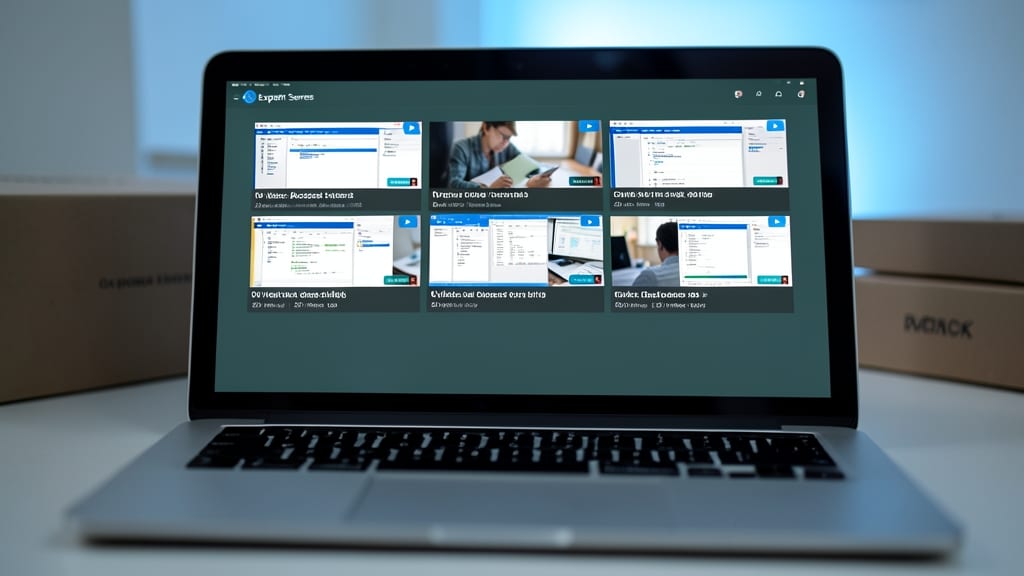
If you learn best by watching than reading, the YouTube Crash Course by Access Expert delivers exactly what you need: a 10-video series packed with critical shortcuts and real-world task walkthroughs—no fluff, just actionable skills in under 20 minutes total.
Each video focuses on one high-impact topic, like creating parameter queries or designing dynamic forms, with on-screen annotations highlighting key steps. The instructor’s fast-paced style (think "TED Talk for databases") skips theory to show you how to build, debug, and optimize common workflows—perfect for users who’ve dabbled but need confidence-boosting clarity.
This is ideal for busy professionals or self-taught learners who want to fill knowledge gaps without committing to multi-hour tutorials. Just hit play, follow along, and watch your Access skills level up in record time. ✨
Microsoft Virtual Academy Free Access Training
Ready to take your Microsoft Access skills to the next level with certification-ready training? The Microsoft Virtual Academy (MVA) offers a free, official course that dives deep into advanced features like forms, reports, and macros—perfect for professionals who need structured, high-quality learning.
This course covers real-world database design, including customizing forms for user-friendly interfaces and automating workflows with macros. The structured modules align with Microsoft’s certification standards, making it ideal for those preparing for Microsoft Office Specialist (MOS) exams. You’ll also explore data validation, pivot tables, and advanced queries—all with hands-on exercises.
Best for business professionals, data analysts, and IT specialists who need official Microsoft training without the cost. Whether you're aiming for a promotion or simply want to master Access like a pro, this is your go-to resource. ✨
LinkedIn Learning Microsoft Access Basics
Tired of dry theory that leaves you wondering, "How does this apply to my business?" LinkedIn Learning’s Microsoft Access Basics flips the script with project-based lessons that tackle real-world challenges like inventory tracking and client management—no fluff, just skills you’ll use tomorrow.
The course packs 2 hours of bite-sized videos into digestible chunks, covering everything from designing relational tables to generating custom reports. What sets it apart? Each lesson ties directly to small business needs—think tracking freelance projects or managing e-commerce stock—so you’re not just learning theory, but building tools for your workflow. The LinkedIn Learning platform also lets you earn a completion certificate, adding credibility to your new skills.
This is the perfect fit for freelancers, solopreneurs, or small business owners who need to automate tasks without hiring a developer. Whether you’re tracking client hours or managing inventory, you’ll leave with a ready-to-use database—no prior experience required. ✨
Coursera Access for Data Analysis Course
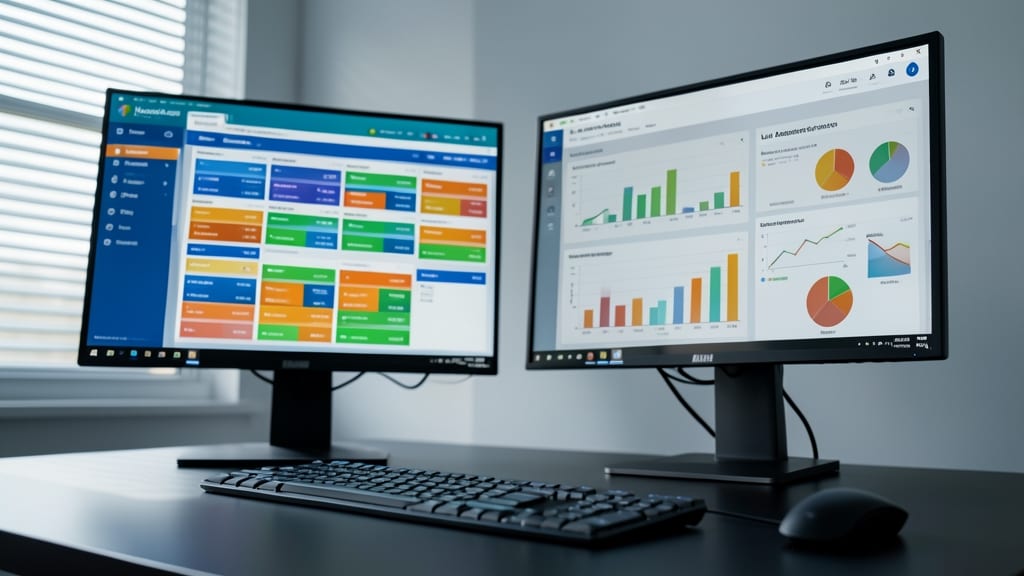
If you love data but dread coding, Coursera’s Access for Data Analysis course turns your database into a business intelligence powerhouse—no programming required. This isn’t just another tutorial on tables and queries; it’s a deep dive into pivot tables, dashboards, and analytical reporting using pure Access.
The course walks you through real-world datasets, teaching how to extract insights with built-in tools like Access Query Design and crosstab queries. You’ll learn to create interactive reports that summarize sales trends, customer behavior, or inventory patterns—skills that translate directly to Excel-free business decisions.
Perfect for marketers, small business owners, or analysts who need to visualize data without SQL. With hands-on projects and a focus on practical outcomes, this course proves Access can be your secret weapon for data-driven decisions. ✨
FreeCodeCamp Microsoft Access Tutorial Series
Want to learn Microsoft Access by actually building something useful? FreeCodeCamp’s Microsoft Access Tutorial Series ditches dry theory in favor of a hands-on approach—you’ll design a real estate database from scratch, complete with property listings, agent tracking, and sales analytics.
The series breaks down complex concepts like relationships, queries, and forms through practical challenges, such as filtering properties by price range or generating custom reports. Unlike traditional tutorials, FreeCodeCamp’s community-driven structure means you’ll tackle problems alongside peers, with forums and project feedback to keep you motivated.
Perfect for self-starters who learn by doing, this series is ideal for real estate agents, small business owners, or anyone who wants to apply Access skills to a tangible project—no fluff, just results. ✨
Microsoft Access VBA for Automation
Ready to take your Access databases from manual to fully automated? This Microsoft Access VBA for Automation course unlocks the power of Visual Basic for Applications (VBA) to create custom scripts that handle repetitive tasks—think auto-generating reports, validating data entries, or even building interactive forms without writing full-blown applications.
The course dives into VBA fundamentals like event-driven programming, working with the Access object model, and debugging scripts. You’ll learn to write dynamic queries, automate form navigation, and integrate Access with other Office apps—all while keeping your workflows zero-config for end-users. Hands-on projects ensure you can apply these skills to real-world scenarios, like bulk data imports or custom validation rules.
Perfect for developers migrating to Access or power users who want to supercharge their databases, this course bridges the gap between Access’s built-in tools and custom automation. No prior coding experience? No problem—start with the basics and scale up. ⚡
Access for Non-Techies by Skillshare
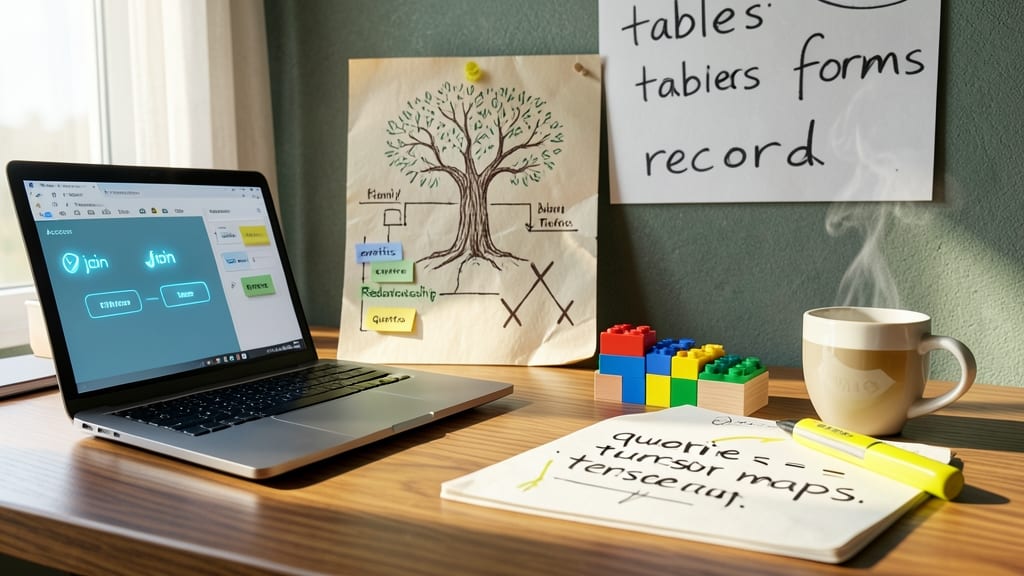
If you’ve ever felt intimidated by database jargon, Skillshare’s "Access for Non-Techies" course breaks down Microsoft Access into relatable concepts—no prior experience required. The instructor uses analogies like "relationships as family trees" and "queries as treasure maps" to demystify tables, forms, and reports.
You’ll learn to build a simple project management database from scratch, covering one-to-many relationships and basic queries> without overwhelming technical details. The course includes downloadable practice files, so you can follow along hands-on.
Perfect for managers, creatives, or anyone who needs to organize data but dreads complex tutorials, this course makes Access approachable—no coding or IT background needed. ✨
Microsoft Access Mobile Database Solutions

Building mobile apps with seamless data sync across devices? Microsoft Access isn’t just for desktops anymore. This specialized training shows you how to design lightweight, mobile-friendly databases that sync effortlessly with cloud services like SharePoint or Azure, ensuring your app stays in sync whether users are on iOS, Android, or Windows.
You’ll learn to optimize local storage strategies for offline-first apps, implement real-time sync triggers, and even integrate with REST APIs for cross-platform compatibility. The course also covers conflict resolution for multi-user edits—a critical feature for remote teams. No coding prerequisites, just pure database architecture for modern workflows.
Perfect for indie developers, startup founders, or IT teams building cross-platform solutions where data consistency is non-negotiable. 💻