
PowerPoint
Struggling to create standout PowerPoint presentations that impress teachers and earn top grades? These seven Microsoft Office projects are designed specifically for high school students, blending creativity with academic rigor to help you shine in class.
Interactive Historical Timeline Presentation
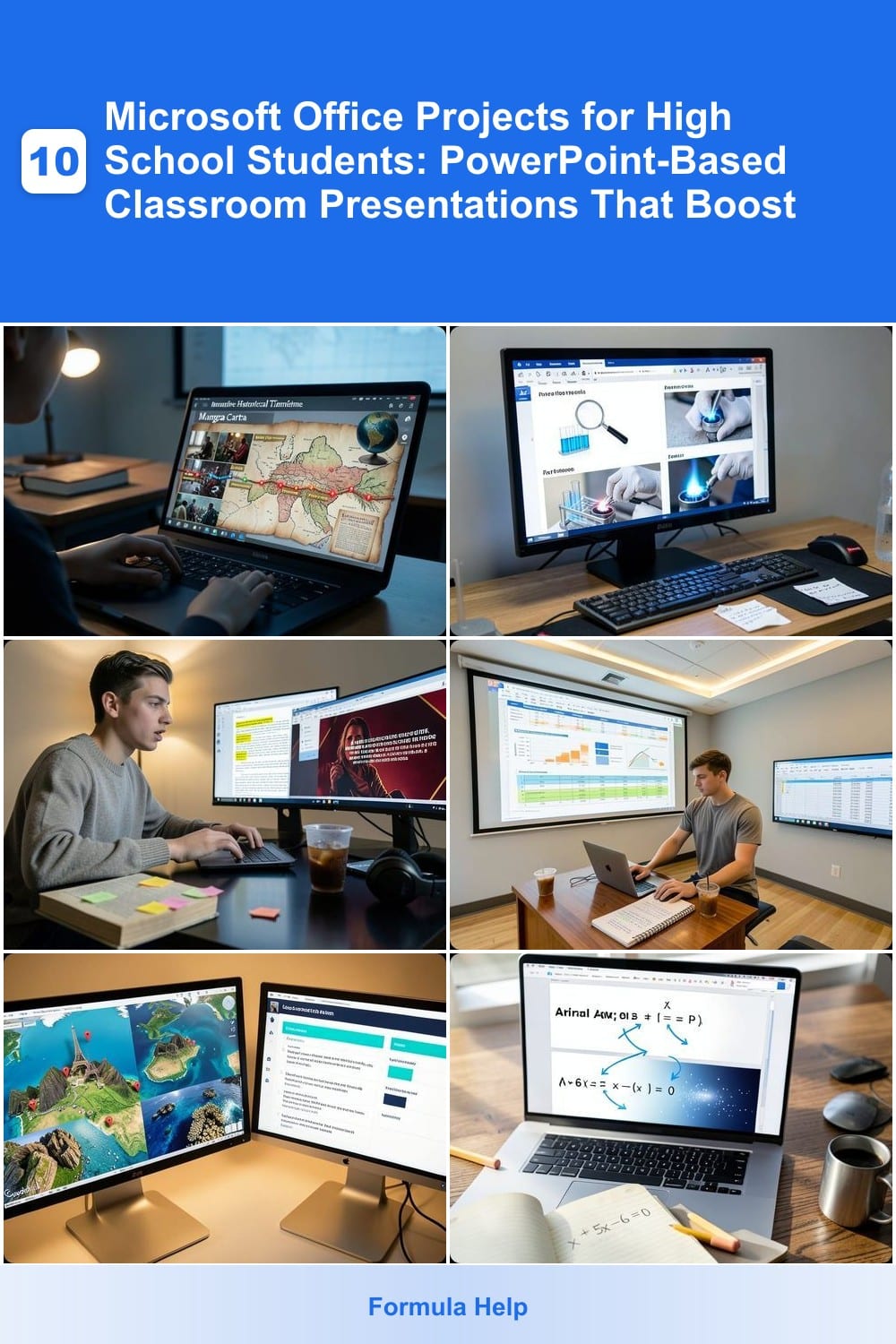
Turn dry history dates into a gripping story with an interactive timeline that lets your classmates experience the past. Instead of static slides, embed short video clips of key events, overlay historical maps that zoom to battle sites, and add clickable hyperlinks to primary sources—like the Magna Carta or Lincoln’s Gettysburg Address. Your teacher will notice when you replace bullet points with a multimedia journey that makes 1492 feel like yesterday.
Start with PowerPoint’s built-in timeline template, then layer in free stock images (try Unsplash or Wikimedia Commons) and YouTube embeds for speeches or documentaries. Use Morph transitions to smoothly shift between eras—like fading from a 1776 Declaration of Independence slide to a 1787 Constitutional Convention map. For extra credit, add a short quiz (via embedded forms) where classmates test their knowledge mid-presentation.
This project is perfect for history buffs, debate team members, or students who learn best by storytelling. It’s also a lifesaver for group projects where one person handles research and another designs the interactive elements. 💻
Science Experiment Step-by-Step Guide
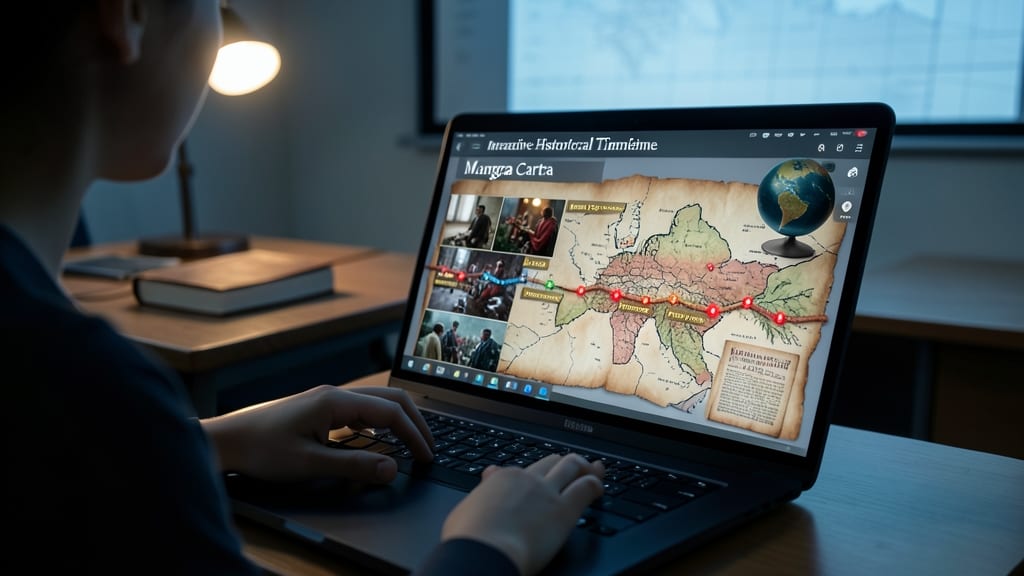
Science labs don’t have to be confusing—turn your next experiment into a clear, animated guide that walks your teacher (and classmates) through each step like a pro. Instead of scribbled notes, use PowerPoint’s animation tools to reveal procedures one slide at a time, with labeled diagrams that highlight key equipment and chemical reactions.
Start with a slide-by-slide breakdown: Use the \"Draw\" tool to sketch experiment setups, then animate arrows to point out where to pour liquids or adjust heat. Add formulas or safety tips as text boxes that appear on cue—no more lost lab partners! For extra credit, record a short voiceover explaining each step, so your presentation feels like a mini tutorial.
This project is a game-changer for chemistry, biology, or physics students who want to showcase their work visually. Teachers love when experiments are documented clearly, and this method ensures your lab report stands out—plus, you’ll impress with a presentation that’s both educational and engaging. ⚡
Literary Character Analysis with Voiceovers

Turn your literary analysis from a static paper into a dynamic performance with PowerPoint voiceovers. Instead of just writing about a character’s motivations, record yourself delivering their dialogue or inner thoughts—complete with dramatic pauses and tone shifts—to show your teacher you’ve truly internalized the text.
Use PowerPoint’s built-in audio tools to embed voice recordings directly onto slides. Pair this with character quotes (highlighted in bold) and visuals (like a character sketch or scene from the book) to create a mini "audiobook" of your analysis. Teachers love when students go beyond text—this approach proves you’ve mastered both the content and presentation skills that earn extra credit.
Perfect for book reports, character studies, or Shakespearean monologues, this project works especially well for students who enjoy storytelling or acting. 💡
Business Plan Pitch for Classroom Entrepreneurship
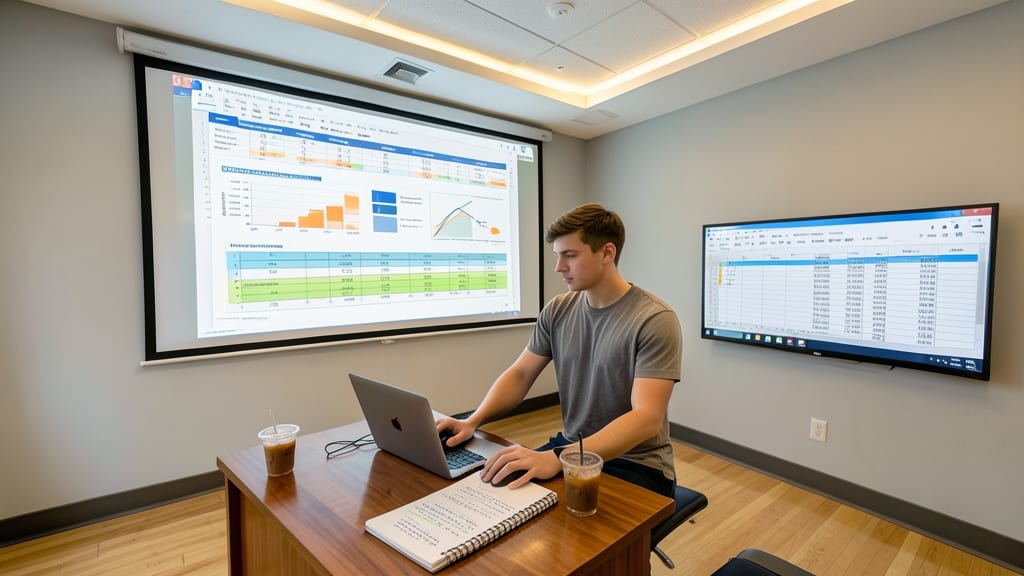
Turn classroom lessons into real-world business experience with a mock startup pitch that teaches financial modeling, market research, and persuasive storytelling—all in PowerPoint.
Start with a 5-year financial projection using Excel data embedded directly into slides, then add a SWOT analysis chart and a 30-second elevator pitch video recorded via your phone. The template-driven structure (available in Office’s built-in Business Plan theme) guides you through executive summaries, competitor analysis, and even a mock product demo—no coding required.
Perfect for students in career tech, economics, or future entrepreneurship courses, this project builds skills that translate to real job interviews. Plus, teachers love how it combines data visualization with creative presentation skills. ✨
Geography Virtual Field Trip
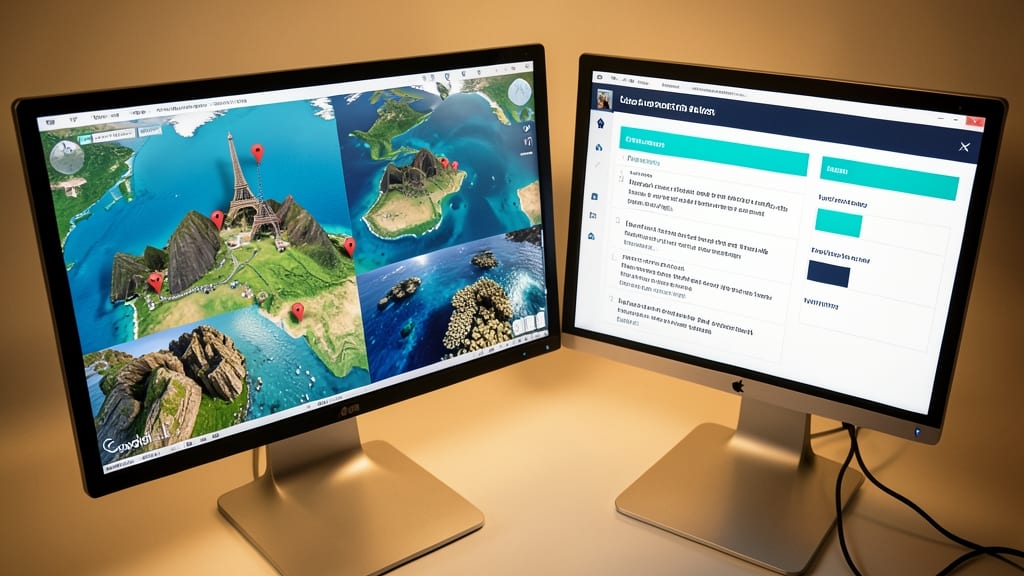
Turn geography from a textbook slog into an adventure with a virtual field trip—no passport required. Instead of memorizing coordinates, you’ll embed interactive maps (like Google Earth), overlay 360-degree street views of landmarks, and sprinkle in quizzes that pop up at key moments. Teachers will notice when you replace static slides with a dynamic journey through the Amazon rainforest or the Great Wall.
Start by using PowerPoint’s built-in 3D models (like mountains or cities) to create a mini-tour, then layer in hyperlinked images for deeper dives. For quizzes, insert forms or embedded videos (e.g., a short clip about erosion processes) to test comprehension mid-presentation. The Morph transition smoothly shifts between slides, keeping the flow cinematic.
This project shines for students who learn by exploring—ideal for visual or kinesthetic learners who zone out during lectures. It’s also a lifesaver for group projects where one person researches and another designs the interactive elements. 🌟
Math Problem Solving with Animated Solutions

Tired of submitting static math homework that blends into the pile? Turn equations into cinematic proofs using PowerPoint’s built-in animation tools to showcase your problem-solving process visually.
Start by typing your equation on one slide, then use morph transitions or drawing animations to reveal each step—like solving for x with a digital chalkboard effect. Add color-coded highlights for key variables and voiceover explanations to walk through your thought process. Teachers in STEM-heavy schools often reward creative demonstrations of understanding over rote answers, making this the perfect way to stand out.
This project shines brightest for algebra, calculus, or statistics students who want to impress with more than just the final answer. It’s also a great way to practice explaining complex concepts clearly—skills that’ll pay off in college and beyond. ✨
Cultural Comparison Infographic Presentation
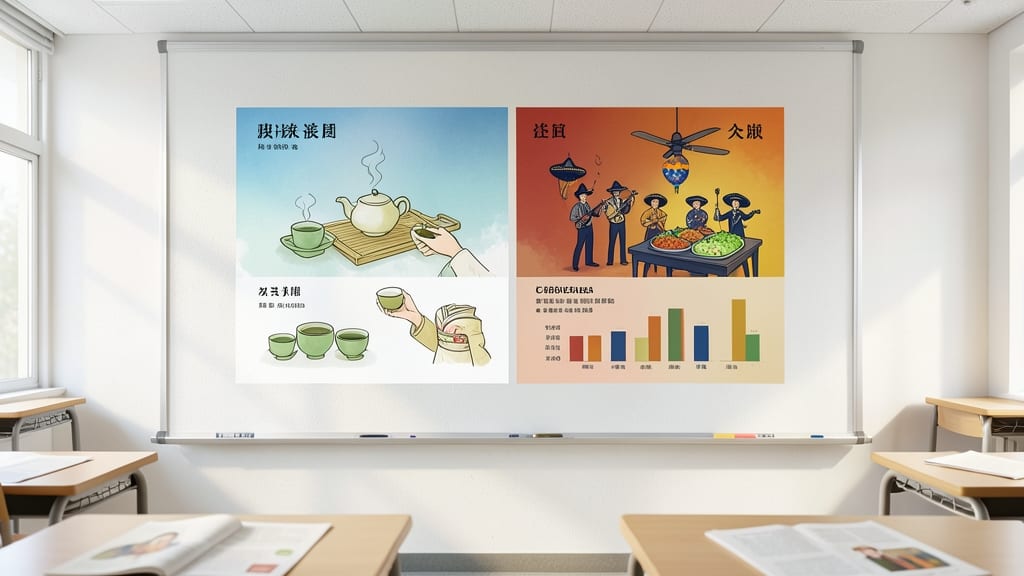
Turn cultural research into a visual masterpiece with PowerPoint’s infographic tools, letting you compare Japanese tea ceremonies to Mexican fiestas in one sleek slide. This project isn’t just about facts—it’s about storytelling through data, using icons, color-coded charts, and side-by-side layouts to highlight similarities and differences that textbooks miss.
Start with PowerPoint’s SmartArt to create parallel timelines of traditions, then layer in statistical comparisons (like population density or holiday customs) using built-in charts. Add flag icons and traditional clothing images from free stock sites to reinforce visual contrasts. The morph transition between slides can even simulate cultural fusion—like blending a kimono with a sombrero for a creative twist.
Perfect for students in world languages or social studies, this project proves you can master research and design. Teachers love it because it forces you to synthesize complex information into digestible, engaging formats—just like real-world data journalism. ✨