
Software
Working across different software systems? Date and time formats can cause headaches if not standardized. This guide covers the 10 most widely recognized formats—from ISO 8601 to legacy systems—ensuring seamless compatibility across platforms, databases, and applications.
ISO 8601 Standard Format
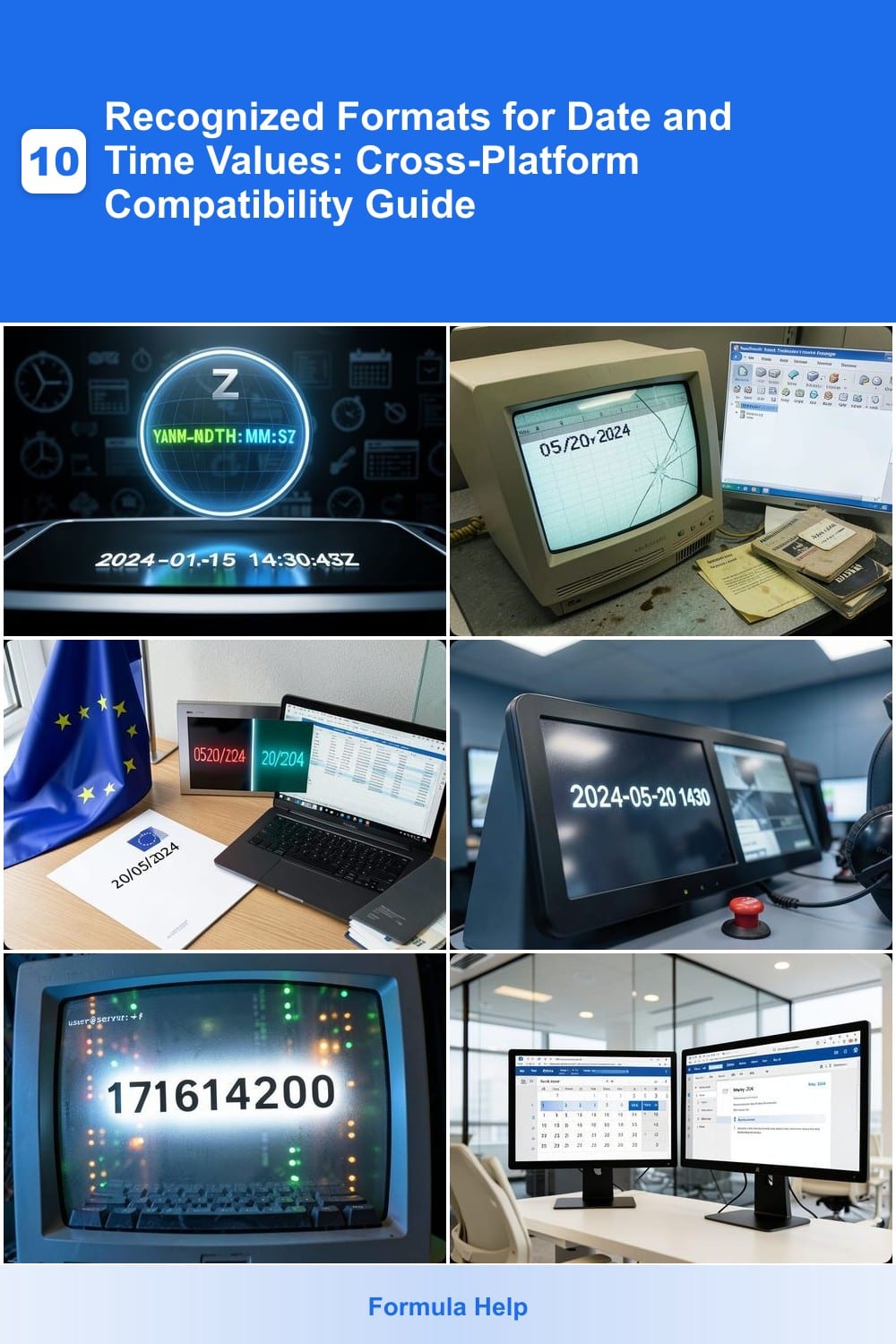
When your code needs to speak the same language globally, ISO 8601 is the only format that delivers true cross-platform harmony. This internationally standardized format (YYYY-MM-DDTHH:MM:SSZ) eliminates ambiguity by using a strict, machine-readable structure—no more guessing whether 01/02/2024 means January 2nd or February 1st.
The format’s power lies in its universal adoption: APIs like Twitter and GitHub use it, databases from PostgreSQL to MongoDB support it natively, and even NASA’s mission logs rely on it. The T separator clearly divides dates from times, while the Z suffix denotes UTC timezone (avoiding offset headaches). Libraries like Python’s datetime or JavaScript’s Date parse it effortlessly, making it the default for automated systems, logs, and international APIs.
Perfect for backend developers, DevOps engineers, and API designers—anyone building systems that need to talk to the world without translation. Whether you're parsing logs, syncing cloud services, or designing a global app, ISO 8601 is the battle-tested setup. ⚡
US Short Date Format
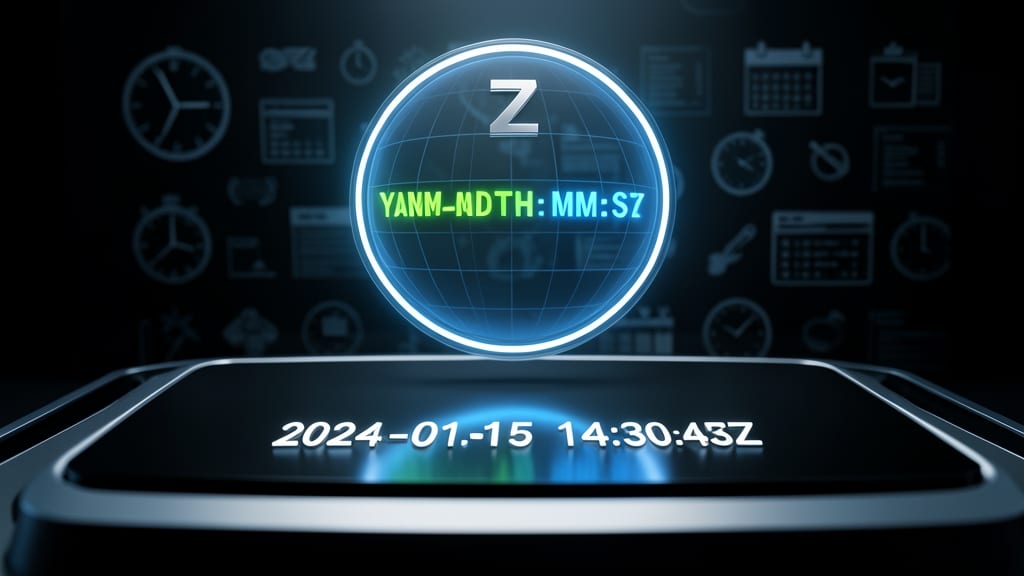
Stuck in a legacy Windows environment where dates like 05/20/2024 (MM/DD/YYYY) are hardcoded into your workflows? This US Short Date Format is the default for Excel spreadsheets, Access databases, and older corporate software, ensuring consistency in American business ecosystems—but watch out for international confusion.
The format’s simplicity comes with a trade-off: no separators (e.g., 05202024) can cause parsing errors, while ambiguity between month/day (e.g., 01/02/2024 = January 2nd or February 1st?) forces developers to add context. Windows systems default to this format in regional settings, and tools like VBA macros or Power Query often rely on it for legacy compatibility.
Perfect for small business owners, accountants, and IT admins maintaining Windows-based systems. Just remember: if you’re exporting data globally, a quick conversion to ISO 8601 saves headaches. 💻
European Date Format

If you're working with EU-based systems or handling financial/legal documents in Europe, the European Date Format (DD/MM/YYYY) is your best bet to avoid costly misinterpretations. Unlike the US format, it places the day first (e.g., 20/05/2024), eliminating ambiguity between 05/20/2024 (May 20) and 20/05/2024 (May 20).
This format is mandatory in many EU regulations, including GDPR compliance documentation, tax filings, and healthcare records. It’s also the default in countries like the UK, Ireland, and most of continental Europe, ensuring consistency across borders. For developers, libraries like Moment.js and PHP’s DateTime natively support this format with minimal configuration.
Perfect for cross-border businesses, legal teams, and developers building EU-facing applications. It’s the safest choice when precision matters most. ✨
24-Hour Military Time
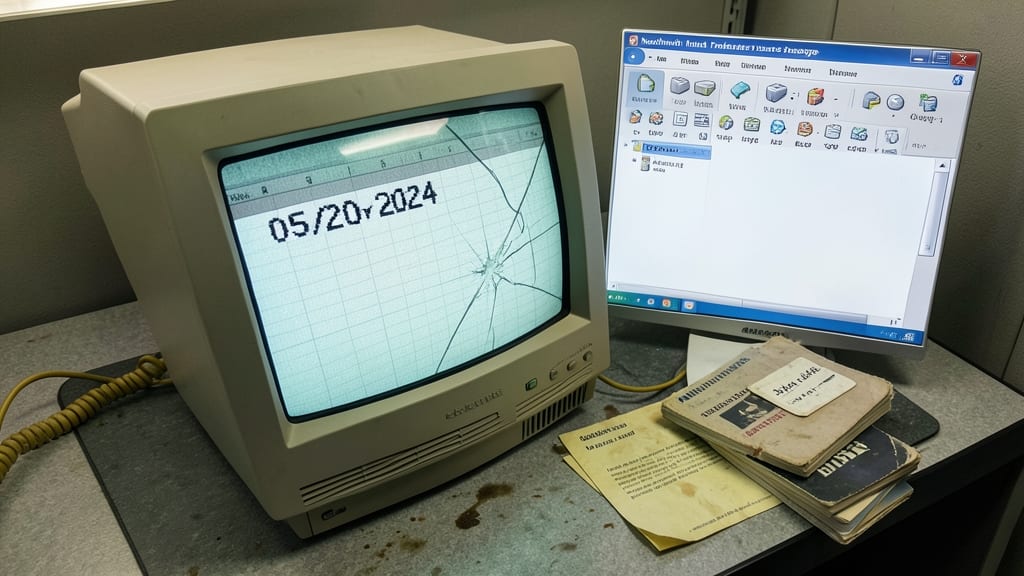
When precision matters more than convenience—like in flight operations or emergency response—24-hour military time (2024-05-20 1430) eliminates ambiguity instantly. Unlike AM/PM systems, it removes confusion about timezones and local interpretations, making it the default for high-stakes fields.
This format uses four-digit years, two-digit days/months, and four-digit times (e.g., 1430 for 2:30 PM). It’s hardcoded into aviation systems (FAA regulations), military logistics, and hospital shift schedules, where even a second’s miscommunication can have critical consequences. The lack of colons (1430 vs. 14:30) also reduces parsing errors in automated systems.
Perfect for developers building global logistics software, healthcare apps, or aviation tools—anywhere where clockwork accuracy trumps regional preferences. 💻
Unix Timestamp Format
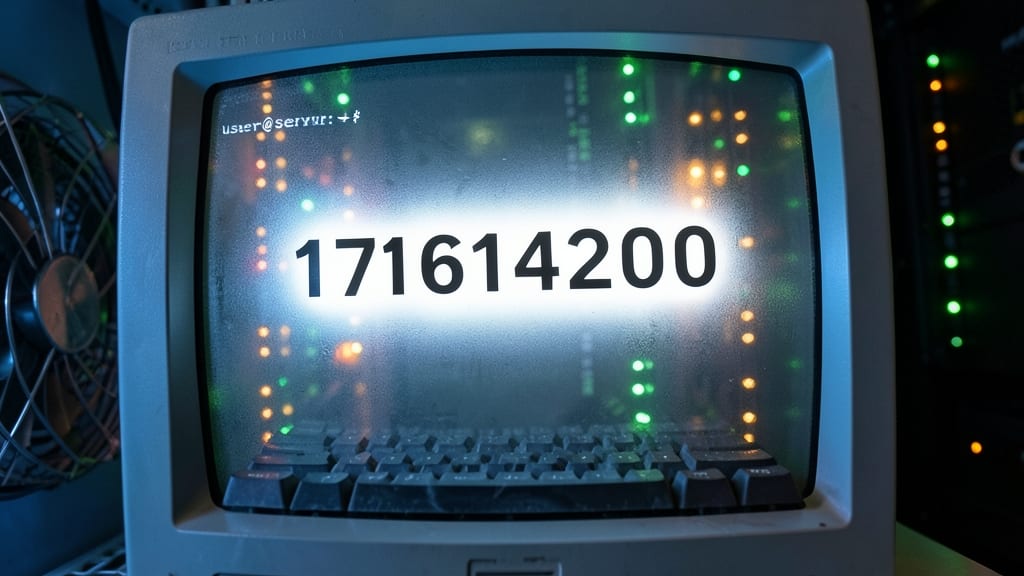
If you've ever debugged a Linux server or written a script that logs events, you’ve likely encountered the Unix timestamp—a simple integer representing seconds since January 1, 1970 (UTC). This format (1716142200) is the backbone of backend systems, APIs, and scripting, offering unmatched precision and efficiency for developers.
The beauty of Unix timestamps lies in their zero-config simplicity: they’re universally sortable, timezone-agnostic, and require no parsing for basic operations. Convert them to human-readable dates with a single command like date -d @<timestamp>, or use them directly in database queries for lightning-fast comparisons. Libraries like Python’s time module or JavaScript’s Date object handle conversions effortlessly, making them ideal for automated systems and logs.
Perfect for sysadmins, DevOps engineers, and backend developers, Unix timestamps eliminate ambiguity in scheduled tasks (e.g., cron jobs) and API responses. Just remember: they’re UTC-only, so factor in timezone offsets when displaying to users. ⚡
Microsoft Office Format
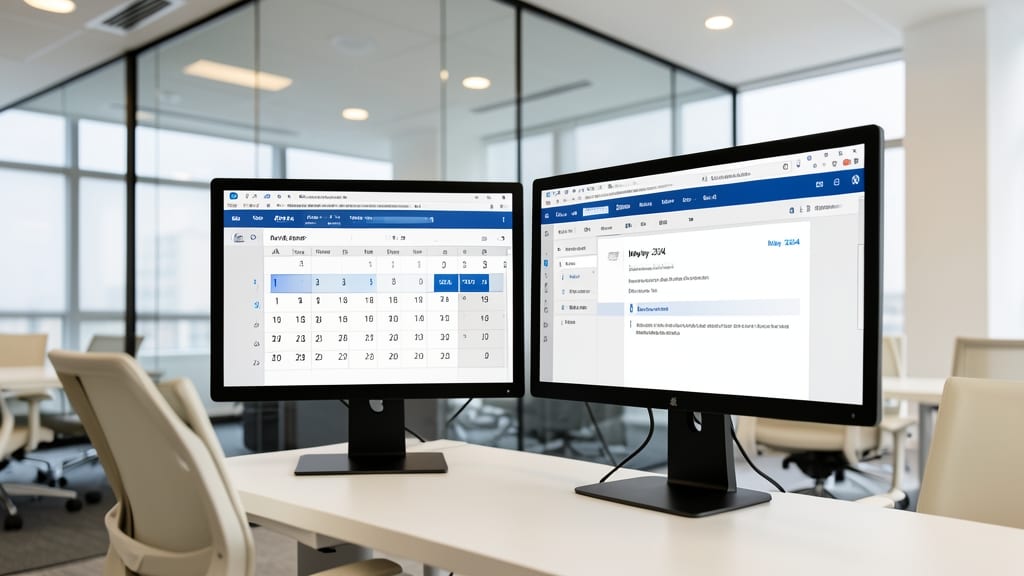
If your team relies on Microsoft 365 for daily operations, the default date format in Outlook, Excel, and Word (20-May-2024 or May 20, 2024) is likely already embedded in your workflows. This format isn’t just a preference—it’s the backbone of corporate document collaboration, ensuring consistency across shared files and emails.
The day-month-year style (20-May-2024) is especially common in Excel spreadsheets and Outlook calendars, while the month-day-year variant (May 20, 2024) appears in Word documents and PowerPoint slides. These formats sync seamlessly with Microsoft’s regional settings, reducing manual reformatting when sharing files internationally. For teams using SharePoint or Teams, this consistency extends to file metadata and meeting invites.
This format is ideal for business professionals, project managers, and office admins who prioritize compatibility over strict standards. Just be mindful of international teams—exporting data to systems expecting ISO 8601 may require a quick conversion. ✨
RFC 2822 Email Format
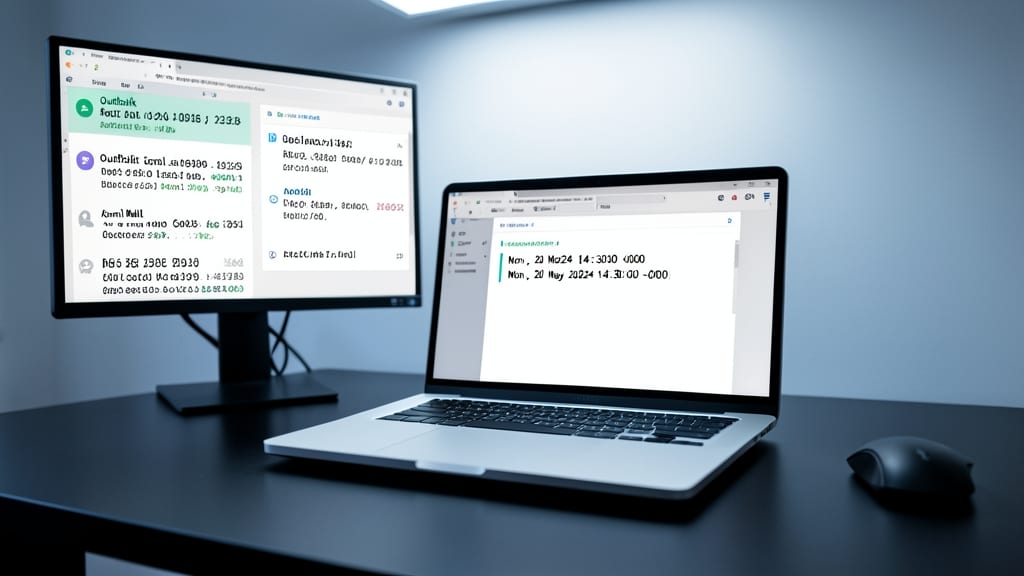
Ever sent an email only to wonder why the recipient’s client misread the timestamp? The RFC 2822 format solves this by standardizing email headers—like Mon, 20 May 2024 14:30:00 +0000—so every client, from Outlook to Gmail, interprets it correctly.
This format includes the day of the week, day/month/year, 24-hour time, and timezone offset, ensuring global consistency. It’s the backbone of SMTP protocols, meaning servers and clients rely on it for parsing, sorting, and archiving emails. The +0000 offset (UTC) is especially critical for cross-border communications.
Developers building email systems and sysadmins managing servers will recognize this as the de facto standard for email metadata. It’s also the reason your spam filter timestamps match your sent folder. ✨
SQL Date Format

If your database queries keep failing because of date mismatches, SQL date formats are the unsung heroes of backend consistency. Unlike user-facing systems, SQL databases demand strict syntax—whether you're filtering records or migrating data between systems, getting this right avoids costly errors.
Most SQL databases default to YYYY-MM-DD (MySQL, PostgreSQL, SQLite), but some like Oracle or SQL Server may use DD-MON-YYYY (e.g., 20-MAY-2024). Always enclose dates in single quotes ('2024-05-20'), and watch for timezone pitfalls in stored procedures. For migrations, tools like TOCHAR() (Oracle) or STRTO_DATE() (MySQL) let you convert between formats dynamically.
This format is non-negotiable for database administrators and backend developers—especially when merging legacy systems or optimizing query performance. 💻
Japanese Date Format
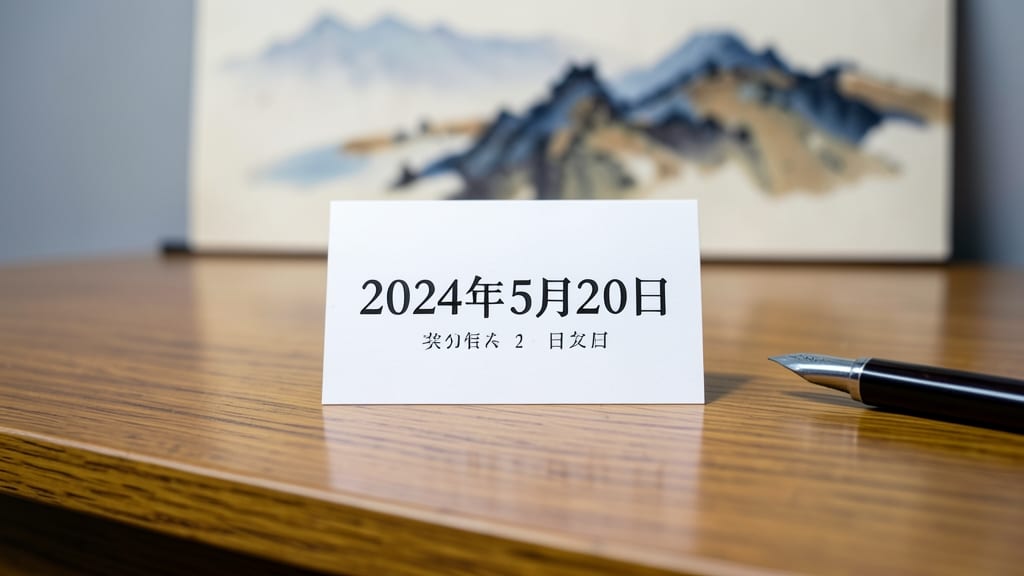
When expanding into Japanese-speaking markets, the Japanese date format (e.g., 2024年5月20日) becomes non-negotiable. Unlike Western conventions, it places the year first, followed by month and day—mirroring the logical flow of Asian languages where context often precedes specifics.
This format uses Kanji characters for month/day (年=year, 月=month, 日=day) and aligns with JIS X 0301 standards, ensuring consistency in everything from e-commerce platforms to government documents. Developers localizing apps for Japan or China should prioritize this format to avoid user confusion—especially when integrating with systems like PayPay or Rakuten, where dates appear natively in this style.
Ideal for global e-commerce brands and localized software, this format bridges cultural expectations with technical precision. 💻
Natural Language Format

Tired of confusing abbreviations when scheduling meetings or setting reminders? The natural language format (e.g., May 20, 2024 at 2:30 PM) is designed for humans first—no parsing headaches, just instant clarity. It’s the go-to choice for user-facing apps where readability trumps machine efficiency, like calendar apps, event planners, or customer-facing dashboards.
This format avoids ambiguity by using full month names, ordinal suffixes (e.g., 1st, 2nd), and 12-hour time with AM/PM. While it requires minimal parsing (most libraries handle it with built-in parsers), it’s not ideal for APIs or databases—think of it as the "friendly face" of date formatting. Libraries like Moment.js or Python’s dateutil parse it effortlessly, making it perfect for front-end displays.
Perfect for developers building consumer apps, small business tools, or internal dashboards where users interact directly with dates. ⚡