
Tip & Trick
Remote work offers flexibility but exposes you to cyber threats like phishing, malware, and data breaches. These 10 security best practices—backed by IT experts—will harden your digital defenses without sacrificing productivity.
Multi-Factor Authentication for All Accounts
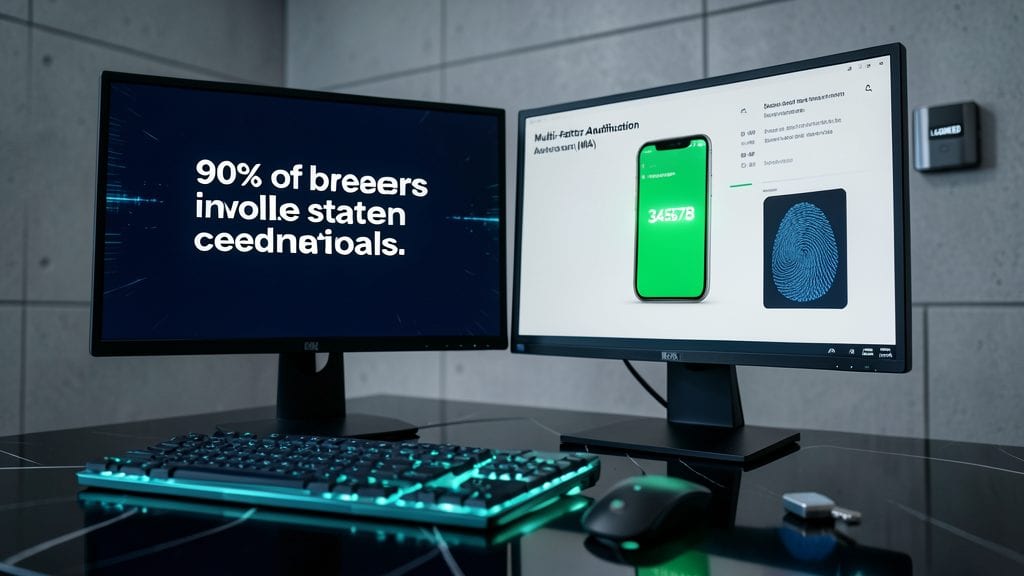
Passwords alone aren’t enough to stop hackers—90% of breaches involve stolen credentials. Multi-Factor Authentication (MFA) adds an extra layer by requiring a second verification step, like a code from an app or a fingerprint scan, making unauthorized access nearly impossible.
Most services now support TOTP (Time-based One-Time Passwords) via apps like Google Authenticator or Authy, or push notifications through platforms like Microsoft Authenticator. For maximum security, avoid SMS-based MFA—it’s vulnerable to SIM-swapping attacks. Enabling MFA on email, banking, and work accounts is non-negotiable, as these are prime targets for credential stuffing.
This is especially critical for remote workers handling sensitive data. Start with your most critical accounts—MFA reduces account takeover risks by over 99%. 💪
Virtual Private Network for Public Wi-Fi
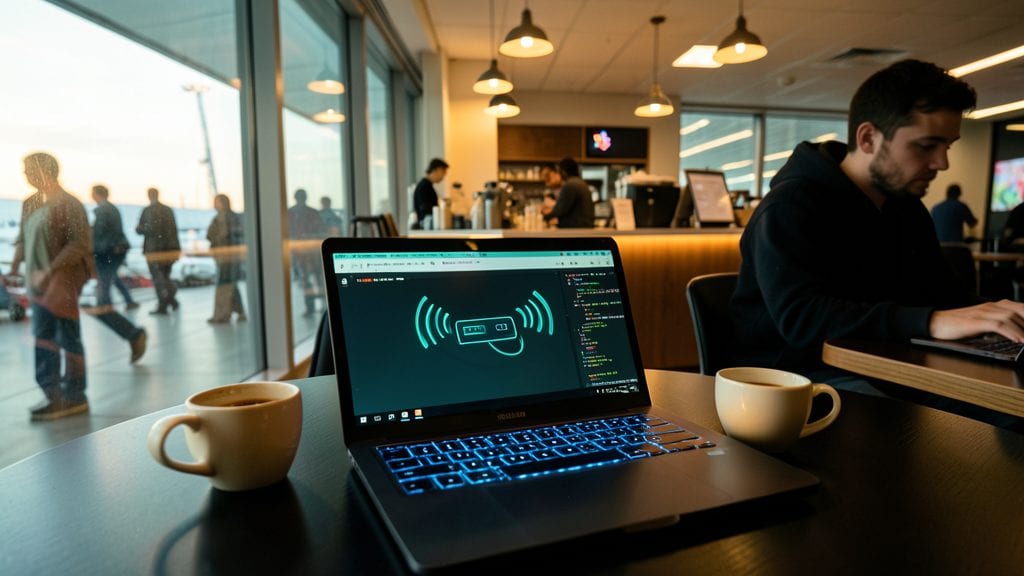
Public Wi-Fi at your favorite café or airport isn’t just convenient—it’s a hacker’s playground. Without a VPN, every keystroke, login, and file transfer becomes visible to cybercriminals lurking on the same network. A reliable VPN creates an encrypted tunnel, shielding your data from prying eyes and ensuring your browsing stays private.
Look for a VPN with military-grade encryption (AES-256), no-logs policies, and kill switches to block traffic if the connection drops. Services like ProtonVPN or NordVPN offer user-friendly apps that auto-connect to secure servers in seconds, with multi-device support for laptops, phones, and tablets.
This is non-negotiable for remote workers, freelancers, or anyone handling sensitive data. Whether you’re checking emails or accessing work files, a VPN turns sketchy networks into secure zones. 💻
Password Manager with Strong Random Passwords
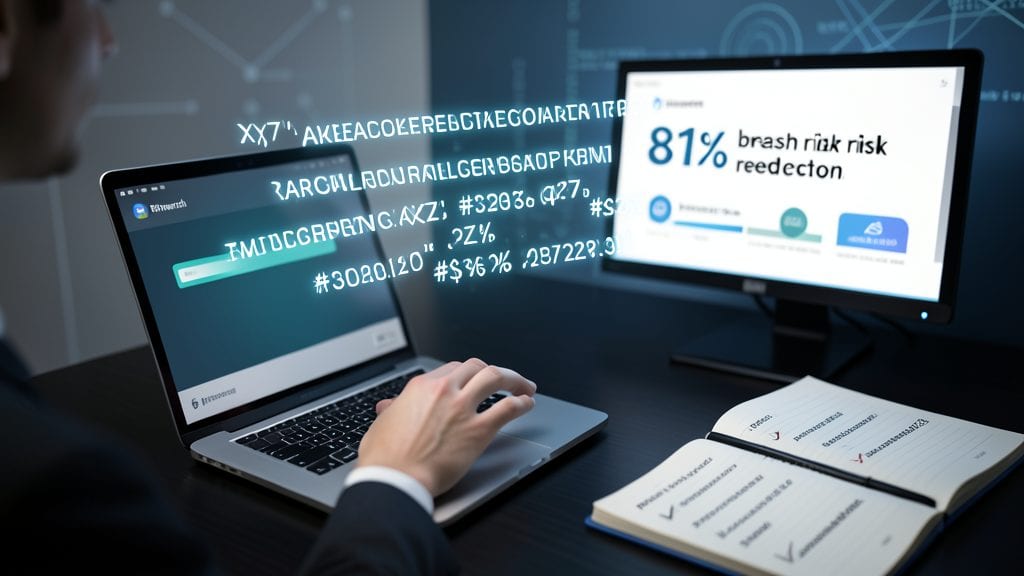
Tired of reusing the same weak passwords across accounts? A password manager with strong random password generation turns guesswork into automation, slashing your breach risk by up to 81% according to Harvard research.
Tools like Bitwarden or 1Password create 20+ character passwords with symbols, numbers, and mixed case—far beyond what humans could memorize. They auto-fill credentials securely across devices, sync via AES-256 encryption, and even monitor for exposed passwords in data breaches. The best part? You’ll never type "password123" again.
Perfect for remote workers juggling multiple logins—especially those managing work accounts, freelance platforms, or personal subscriptions. With zero-config browser extensions and mobile apps, it’s the ultimate defense against credential stuffing attacks. 💻
Endpoint Detection and Response Software
If your device feels like a ticking time bomb waiting for ransomware to strike, Endpoint Detection and Response (EDR) software is your digital bodyguard. Unlike traditional antivirus, EDR actively hunts threats in real-time—stopping malware before it executes, even if it bypasses your firewall.
Tools like CrowdStrike Falcon or SentinelOne monitor fileless attacks, lateral movement, and zero-day exploits with AI-driven behavior analysis. They provide detailed forensics if a breach occurs, so you can trace how an attacker moved through your system. Best of all, most offer free trials for home/remote users, making advanced security accessible without IT overhead.
This is a must-have for freelancers, remote devs, or anyone handling sensitive data—especially if you lack corporate IT support. 💻
Secure File Sharing with Encryption
Ever sent a confidential contract or client proposal only to worry about it being intercepted mid-transfer? Encrypted file sharing ensures your sensitive documents stay locked down—even if they fall into the wrong hands during transit.
Tools like Cryptomator (client-side encryption) or Proton Drive (end-to-end encrypted cloud storage) scramble files before they leave your device. For teams, Box with encryption keys or Microsoft Purview Message Encryption add an extra layer for emails and attachments. These solutions work seamlessly with zero config for most apps, and some even let you set expiration dates for shared links.
Perfect for freelancers, legal professionals, or anyone handling HIPAA/GDPR-compliant data. No IT degree required—just install, encrypt, and share with confidence. ✨
Regular Software Updates for All Devices
Forget about manual reminders—automated software updates are your first line of defense against cyber threats lurking in outdated apps. Hackers exploit unpatched vulnerabilities daily, turning simple oversights into costly breaches. The good news? Most modern OSes and apps now offer zero-config update automation, meaning you can set it and forget it.
Windows Windows Update (or Windows Update for Business for enterprises) patches critical flaws monthly, while macOS Software Update and Linux distros (like Ubuntu’s unattended-upgrades) handle updates silently in the background. For apps, tools like Patch My PC (Windows) or App Store’s automatic updates (macOS/iOS) ensure third-party software stays secure without lifting a finger. Even mobile devices benefit—Android’s Google Play Protect and iOS’s automatic updates close security gaps before they’re weaponized.
This is non-negotiable for remote workers handling sensitive data, freelancers using shared devices, or anyone who’s ever clicked "Remind me later" on an update prompt. A 10-minute setup now saves hours of cleanup later. ⚡
Phishing Training and Email Filtering
Even with strong passwords and VPNs, 90% of cyberattacks start with a phishing email—and most victims are tricked by subtle cues like urgent language or spoofed sender addresses. The solution? A two-pronged approach combining AI-powered email filtering with interactive phishing training that adapts to your team’s mistakes.
Tools like KnowBe4 or Mimecast scan incoming emails for malicious links and attachments in real time, while simulated phishing tests (with customizable scenarios) train employees to recognize red flags like misspelled domains or suspicious attachments. The best platforms even track progress and retrain users after they fall for a test—turning mistakes into learning opportunities. For remote teams, this combo cuts phishing success rates by up to 70%.
Ideal for businesses of all sizes, these solutions require minimal IT overhead and integrate seamlessly with Microsoft 365 or Google Workspace. The key? Consistency—schedule quarterly training and monthly tests to keep defenses sharp. 🌟
Device Encryption for Laptops and Phones

If your laptop or phone gets lost or stolen, full-disk encryption is the invisible shield that keeps your data locked away from prying eyes—no matter who tries to access it. Unlike password protection alone, this feature encrypts every file on your device, making it useless without your authentication.
Windows users can enable BitLocker (built into Pro/Enterprise editions) with a 256-bit AES key, while Mac users rely on FileVault, both offering military-grade security. Most modern smartphones (iPhones, Android) have encryption enabled by default, but double-check settings to ensure it’s active. The best part? It runs silently in the background, requiring zero effort from you.
This is non-negotiable for remote workers handling sensitive data, contractors, or anyone who values privacy. Even if your device falls into the wrong hands, your files stay protected—no backdoors, no exceptions. 🔧
Secure Remote Desktop Protocols
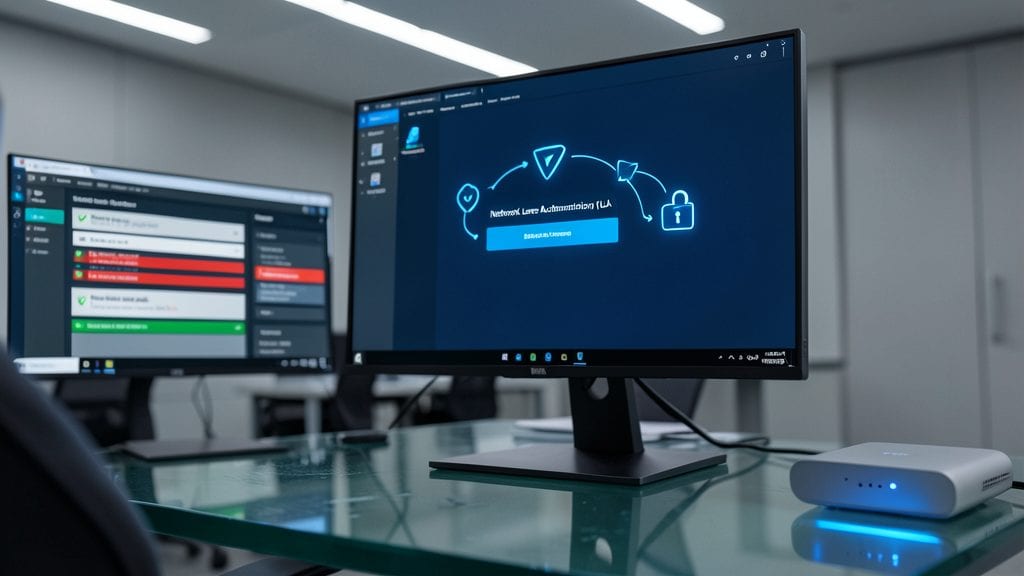
Tired of risky third-party remote desktop tools that expose your network to vulnerabilities? Microsoft Remote Desktop with Network Level Authentication (NLA) offers a built-in, VPN-integrated solution that authenticates users before establishing a connection—blocking brute-force attacks at the gateway.
This protocol requires credentials before any session is established, ensuring even if an attacker gains access to your network, they can’t bypass authentication. It integrates seamlessly with Azure AD for single-sign-on (SSO) and supports RDP encryption for data in transit. For added security, pair it with a corporate VPN to create a zero-trust architecture where every connection is verified.
Ideal for IT admins managing remote teams, developers accessing dev environments, or anyone handling sensitive work data—this protocol eliminates the need for sketchy third-party apps while keeping your infrastructure locked down tight. 💻
Incident Response Plan for Breaches

Even the best security tools can’t stop every breach—so knowing exactly what to do when one happens is critical. A well-documented incident response plan ensures your team can contain threats, communicate effectively, and meet legal requirements without panic.
Start with a containment checklist (isolate affected systems, revoke compromised credentials, and quarantine files) paired with a communication protocol (who alerts leadership, customers, or law enforcement). Include a legal compliance section with GDPR/HIPAA requirements and breach notification timelines—many regulations mandate reporting within 72 hours of discovery.
Small teams should test their plan quarterly with simulated breaches, while larger organizations may need a dedicated security incident response team (SIRT). The goal? Turn a crisis into a controlled, documented process. ✨