
Software
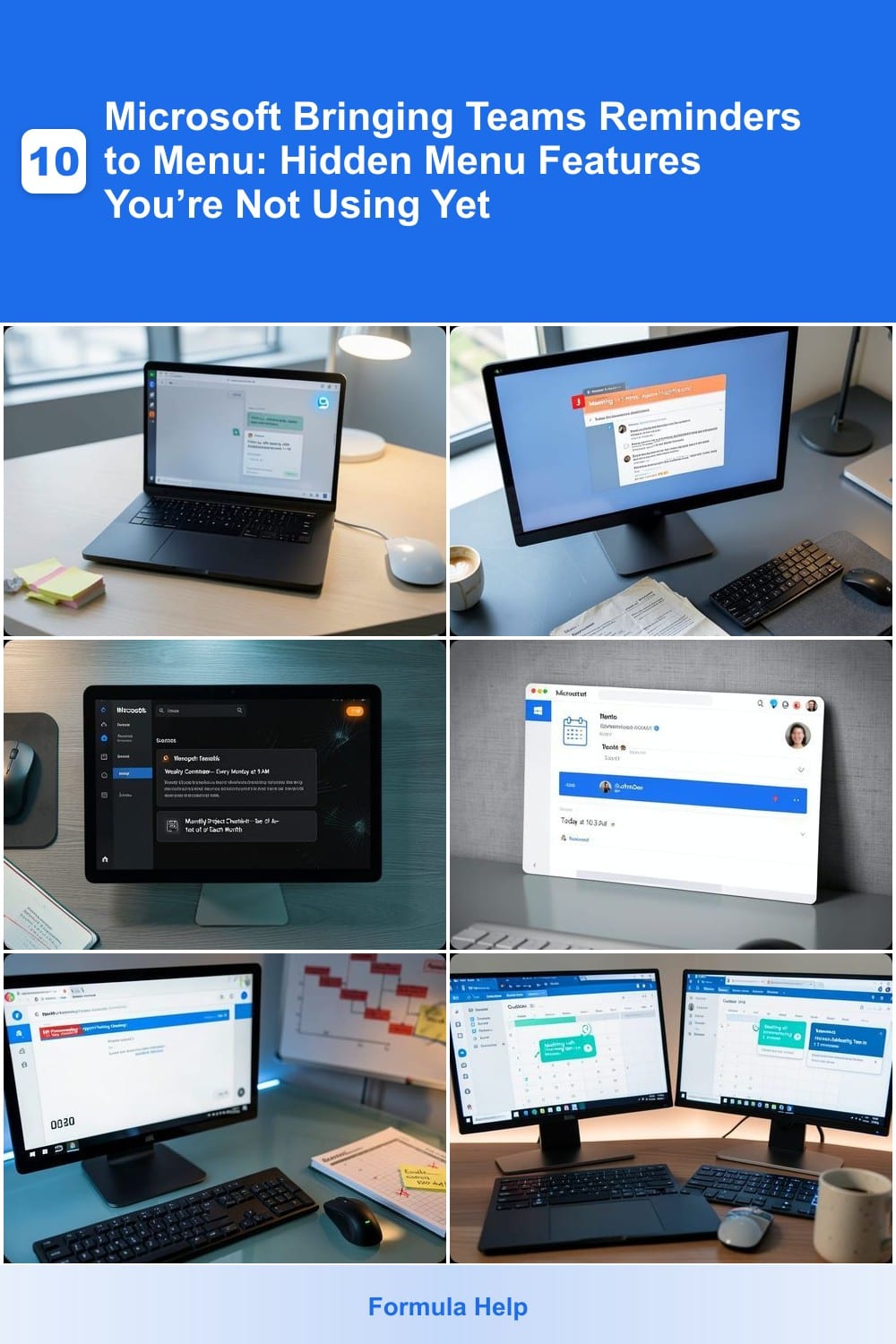
Microsoft Teams is rolling out new reminder features that can transform how you manage tasks and deadlines. These hidden menu options—often overlooked—can save you time, reduce missed meetings, and streamline your workflow. Here’s how to uncover and use them effectively.
Personal Task Reminders in Teams Chat
Tired of juggling sticky notes or external apps just to track your personal tasks? Microsoft Teams now lets you create private reminders directly in chats or channels—without spamming your team. This hidden feature keeps your workspace clean while ensuring you never miss a deadline or follow-up.
Simply type “/remind me” in any chat, set a date/time, and choose whether the reminder stays private or visible to others. You can tie reminders to specific conversations (like client discussions or project threads), so they stay organized alongside relevant context. The feature also supports deadlines, recurring alerts, and @mention-free notifications, making it perfect for freelancers or solo workers managing multiple projects across channels.
This is ideal for freelancers, remote workers, or managers who want to avoid app-hopping. Keep everything in one place—no more scattered reminders or forgotten follow-ups! 💡
Meeting Agenda Reminders Before Events
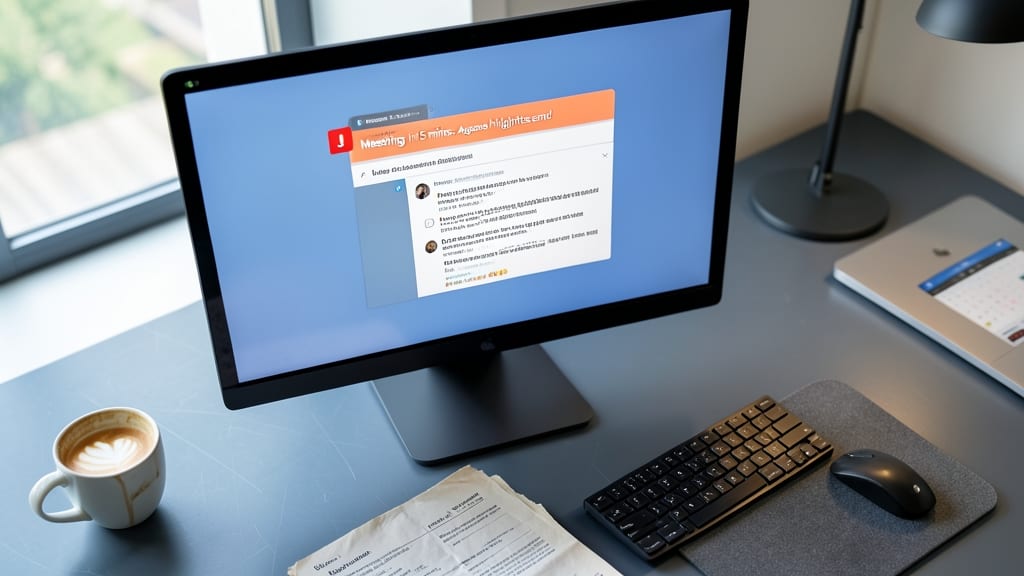
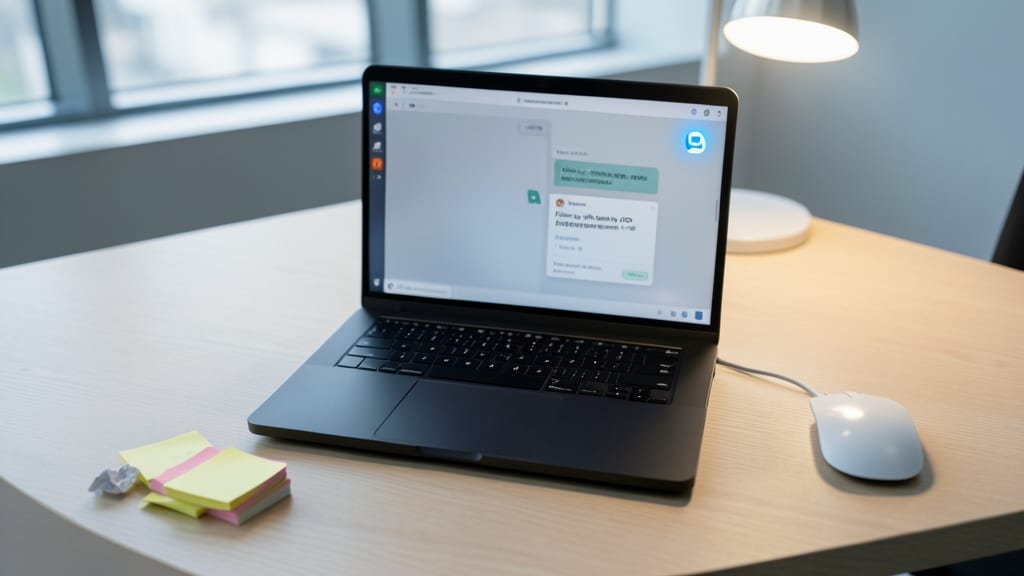
Ever walked into a meeting unprepared because you missed the agenda email? Microsoft Teams now sends automated agenda highlights 10-30 minutes before events, ensuring you’re briefed even if you skipped the original message. This feature extracts key discussion points, action items, and time-sensitive details directly from meeting invites or shared docs.
The reminder appears as a dedicated pop-up in Teams, complete with a countdown timer and bullet-pointed highlights. You can even toggle notifications to appear on desktop, mobile, or both. For executives juggling back-to-back meetings, this eliminates the scramble to review materials mid-call—just glance at the preview and walk in ready.
This is a lifesaver for busy leaders, sales teams, or anyone drowning in calendar invites. No more last-minute prep—just seamless transitions between meetings with all the context you need at your fingertips. 💡
Recurring Task Reminders with Custom Intervals
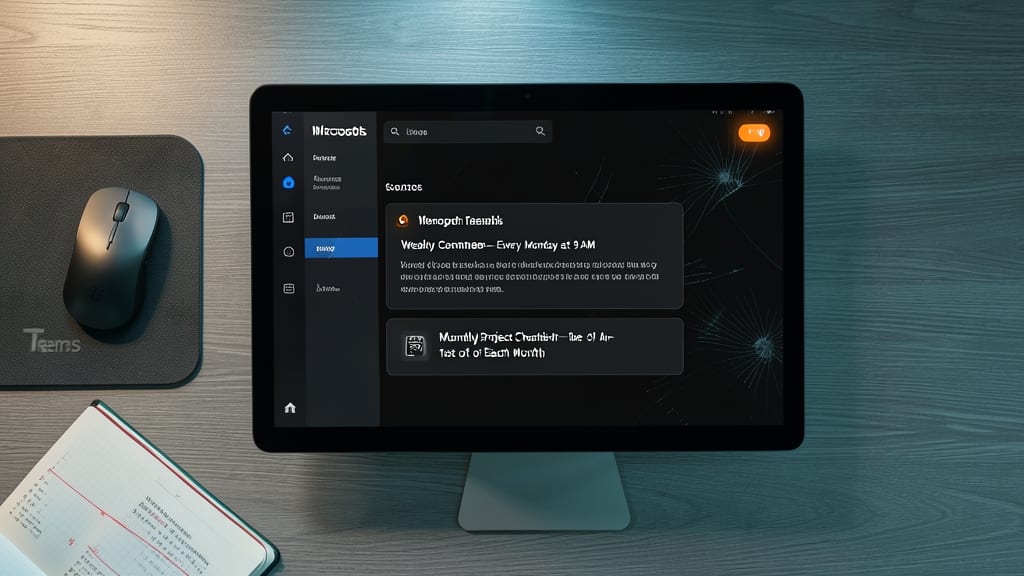
Struggling to remember weekly content deadlines or monthly project check-ins? Microsoft Teams now lets you set recurring reminders with custom intervals—no third-party apps needed.
Create reminders that repeat weekly, monthly, or on specific days (e.g., "Every Monday at 9 AM"). You can even adjust frequency mid-stream, like switching from biweekly to monthly. The visual calendar view makes it easy to spot recurring tasks at a glance, while notifications sync across desktop and mobile.
This feature is a game-changer for content creators (e.g., blog drafts) or project managers (e.g., client updates). Never miss a deadline again—just set it, forget it, and let Teams handle the rest. ✨
Shared Team Task Reminders for Collaborators
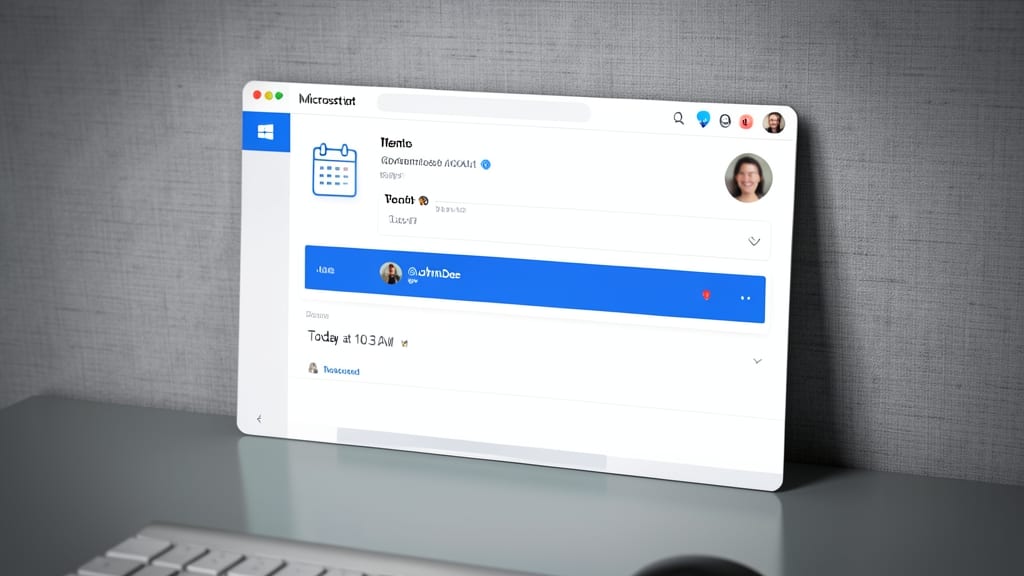
Tired of chasing down teammates for updates? Shared Team Task Reminders lets you assign deadlines directly in a channel—no direct messages needed. Simply tag a colleague in a post, set a due date, and Microsoft Teams handles the rest, keeping everyone aligned without cluttering inboxes.
This feature works seamlessly with @mentions and integrates with your existing workflows. You can add deadlines to tasks, approvals, or even channel discussions, ensuring accountability stays visible to the whole team. The reminder appears in their activity feed, so no one slips through the cracks. ⚡
Perfect for project managers or team leads juggling multiple deliverables, this tool keeps collaboration transparent while reducing follow-up emails. No more guessing who’s on track—just clear, actionable reminders. 💻
Deadline-Based Reminders for Approvals
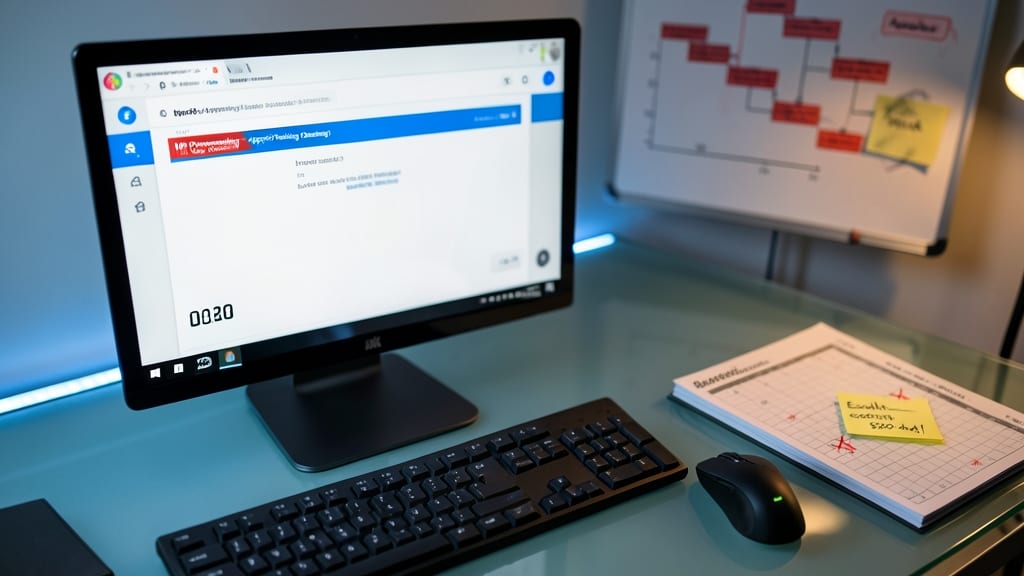
Stuck waiting for approvals that never seem to get prioritized? Teams’ deadline-based reminders for approvals automatically escalate overdue requests, so you never miss a critical sign-off again. This feature is a game-changer for workflows where delays cost time and money—like HR onboarding or operations contracts.
Set a custom deadline (e.g., 48 hours) for feedback or approvals, and Teams will notify you—or the approver—when time runs out. You can even attach documents or forms directly to the reminder, ensuring everyone has the context they need. The system tracks progress with a visual progress bar, so bottlenecks are obvious at a glance.
This is the tool for HR managers, operations leads, or anyone managing time-sensitive approvals. No more chasing down responses—just automated nudges that keep workflows moving. ✨
Integrated Outlook Calendar Reminders
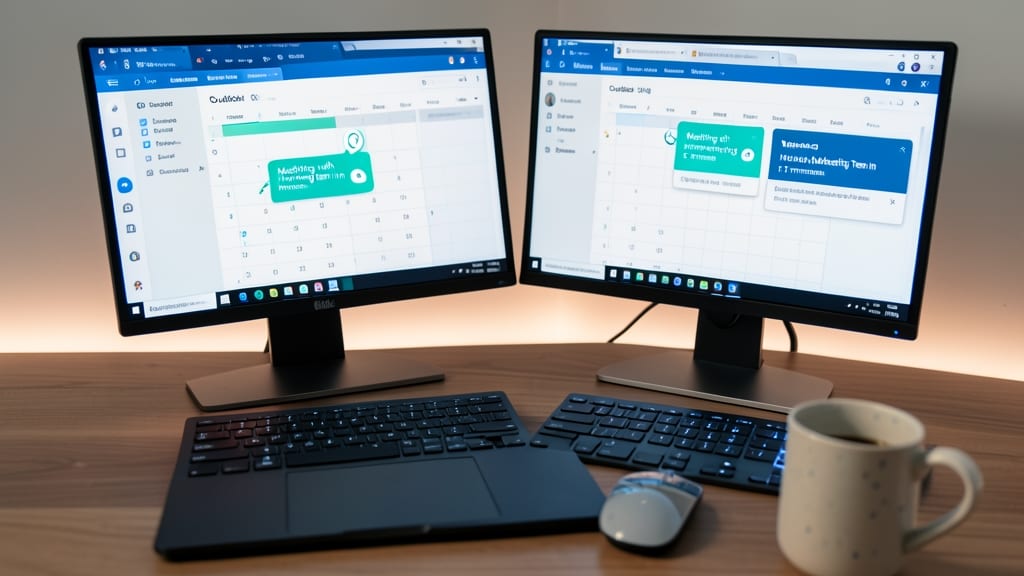
Tired of bouncing between Outlook and Teams just to check your schedule? Microsoft’s seamless integration lets you sync reminders across both platforms, so you never miss a beat—whether it’s a client call or a personal errand.
With Outlook Calendar Reminders in Teams, any reminder you create in Teams (like deadlines or meetings) automatically appears in your Outlook calendar and vice versa. This two-way sync ensures your work and personal tasks stay aligned, eliminating the need to manually update both apps. The feature also supports recurring events and time zones, so travel or hybrid schedules won’t throw you off track.
This is a game-changer for professionals who rely on both platforms daily, like consultants or managers juggling client meetings and internal deadlines. No more context-switching—just one reminder system that works everywhere. ✨
Voice-Activated Reminders via Microsoft Teams
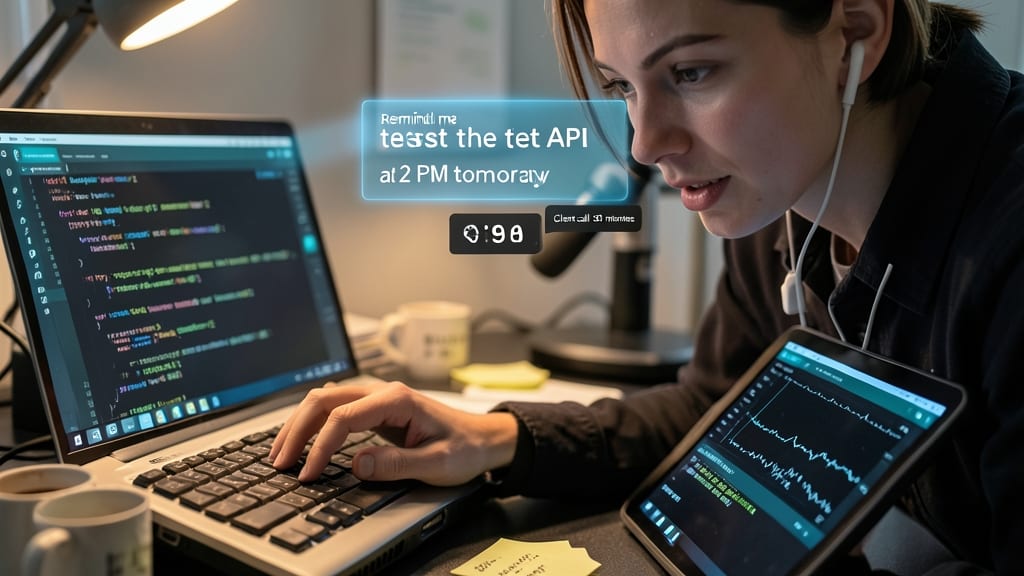
If your hands are full—whether debugging code or examining patient charts—voice-activated reminders in Microsoft Teams let you capture tasks without lifting a finger. Simply say, "Remind me to test the API at 2 PM tomorrow" or "Set a reminder for the client call in 30 minutes," and Teams logs it instantly.
The feature leverages Microsoft’s built-in speech recognition (no third-party tools needed) and syncs seamlessly with your existing Teams reminders. You can even specify recurring tasks or deadlines verbally, like "Remind me every Friday at 4 PM to update the project tracker." Best of all, it works across desktop, web, and mobile—ideal for professionals on the move.
This is a game-changer for developers juggling sprints or healthcare workers documenting notes mid-shift. No typing, no context-switching—just hands-free efficiency. ⚡