Skip to content
Formula Help

Formula Help

  • All Articles
  • App
  • Coding
  • Hardware
  • More
    • Operating System
    • Outlook
    • PowerPoint
    • Review
    • Software
    • Tip & Trick
    • Troubleshooting
    • Windows

PowerPoint — Page 2

How to Share a PowerPoint Presentation as a Link: One-Click Access for Remote Teams

October 10, 2026 by Rafael Vasquez
How to Share a PowerPoint Presentation as a Link: One-Click Access for Remote Teams

Learn how to share a presentation as a link in PowerPoint to cut out attachments, avoid version chaos, and give your team instant, hassle-free access—no more lost hours chasing outdated files. ✨ The right link method…

Read more

Categories PowerPoint

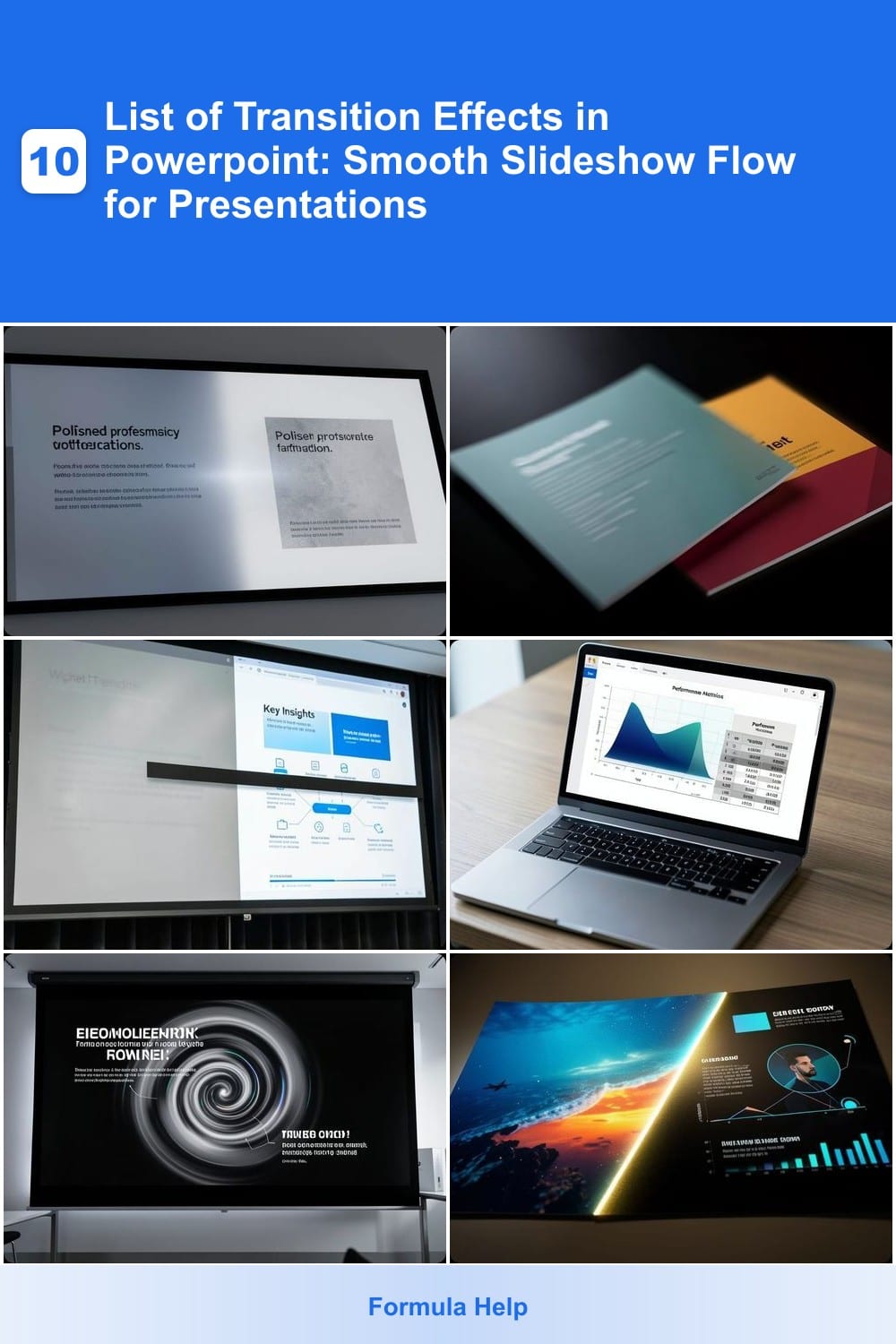
List of Transition Effects in Powerpoint: Smooth Slideshow Flow for Presentations

October 15, 2026 by Rafael Vasquez
List of Transition Effects in Powerpoint: Smooth Slideshow Flow for Presentations

PowerPoint transitions can transform a basic slideshow into a polished, professional presentation. These seven transition effects help you control pacing, emphasize key points, and keep your audience engaged without…

Read more

Categories PowerPoint

Microsoft Clip Art Images Free Download: High-Resolution Packs for PowerPoint Presentations

October 8, 2026 by Rafael Vasquez
Microsoft Clip Art Images Free Download: High-Resolution Packs for PowerPoint Presentations

Microsoft’s free clip art images download directly from official sources—no paywalls or piracy risks—gives you instant access to polished graphics for PowerPoint. Struggling to find high-quality, royalty-free clip art…

Read more

Categories PowerPoint

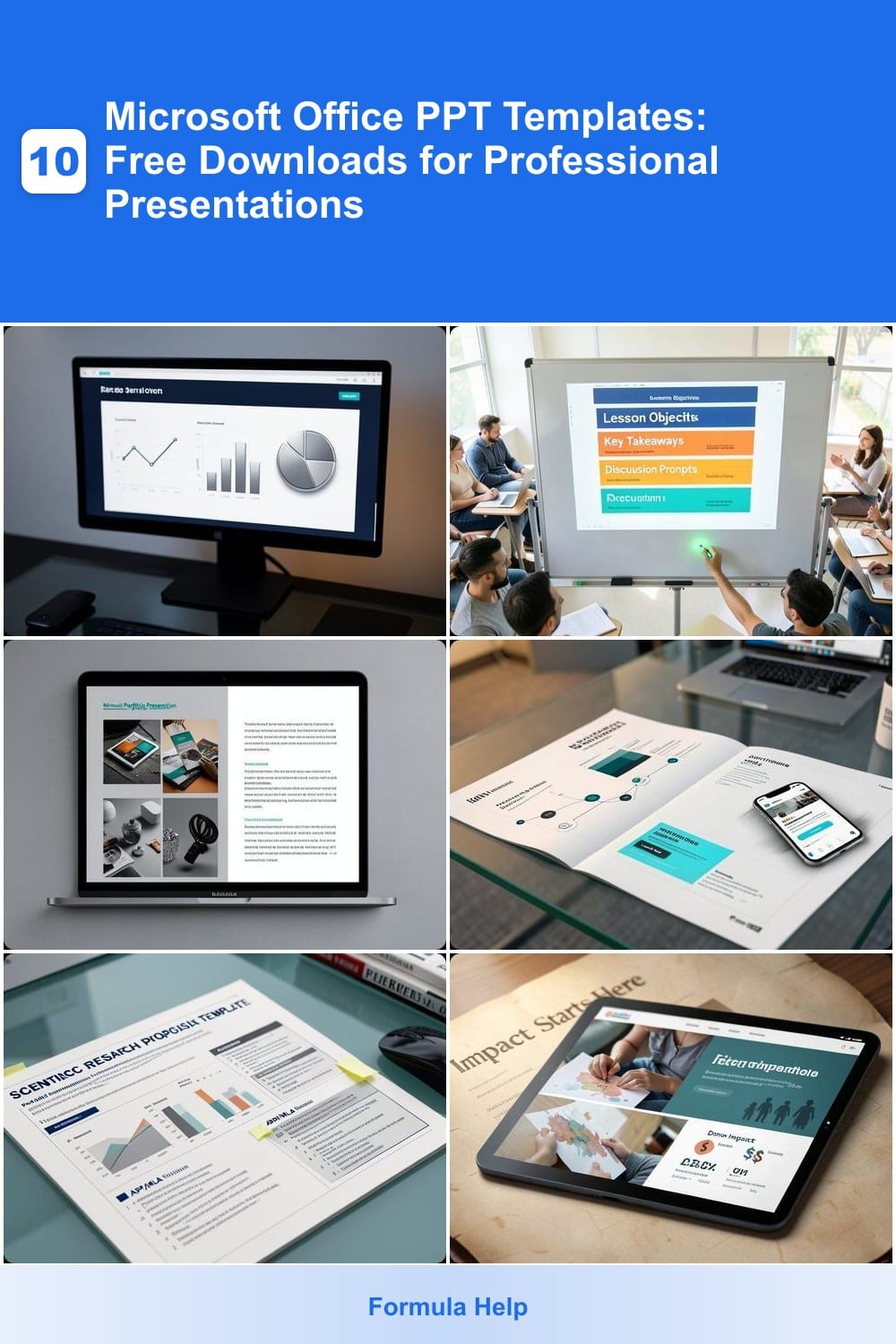
10 Microsoft Office PPT Templates: Free Downloads for Professional Presentations

October 9, 2026 by Rafael Vasquez
10 Microsoft Office PPT Templates: Free Downloads for Professional Presentations

Need eye-catching PowerPoint templates that won’t break the bank? These 10 free Microsoft Office-compatible designs help you create polished, professional presentations without design skills or expensive software…

Read more

Categories PowerPoint

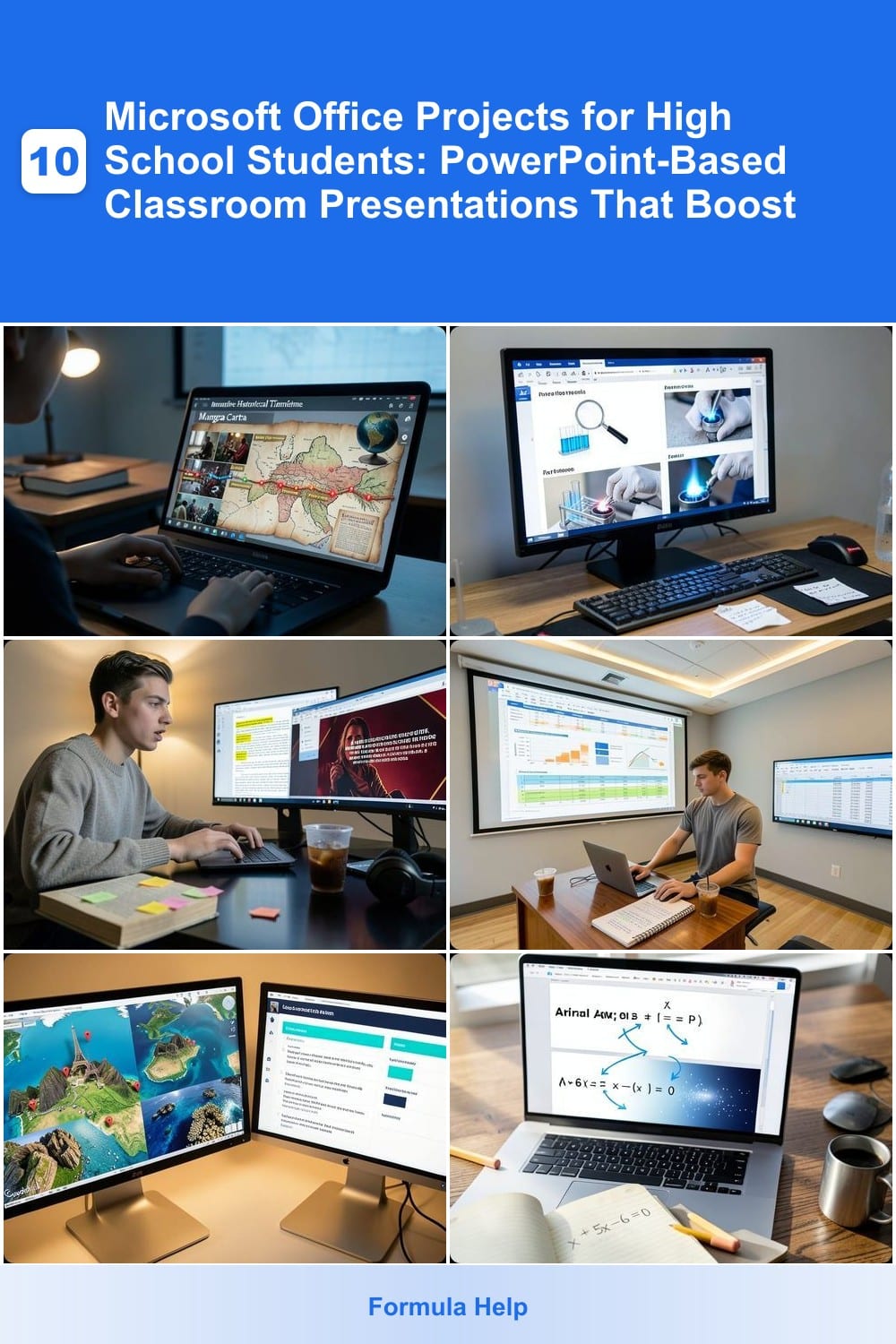
Microsoft Office Projects for High School Students: PowerPoint-Based Classroom Presentations That Boost Grades

October 27, 2026 by Rafael Vasquez
Microsoft Office Projects for High School Students: PowerPoint-Based Classroom Presentations That Boost Grades

Struggling to create standout PowerPoint presentations that impress teachers and earn top grades? These seven Microsoft Office projects are designed specifically for high school students, blending creativity with…

Read more

Categories PowerPoint

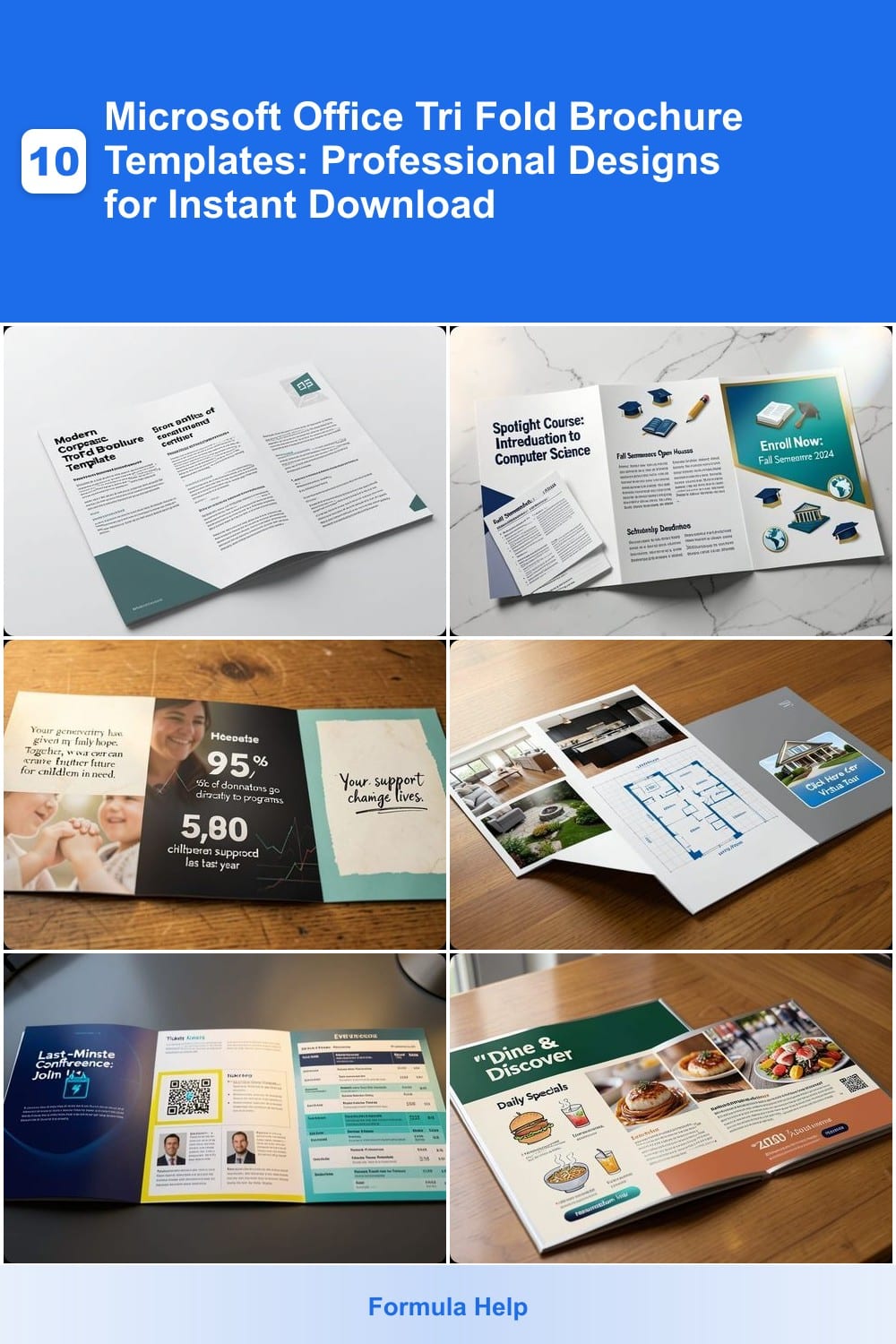
10 Microsoft Office Tri Fold Brochure Templates: Professional Designs for Instant Download

October 27, 2026 by Rafael Vasquez
10 Microsoft Office Tri Fold Brochure Templates: Professional Designs for Instant Download

Creating professional tri-fold brochures in Microsoft Office doesn’t require design experience. These 10 pre-made templates let you customize layouts, colors, and content instantly—ideal for businesses, educators, and…

Read more

Categories PowerPoint

Mimo Power Save Mode: On or Off for Battery Life and Performance Trade-Offs

October 15, 2026 by Rafael Vasquez
Mimo Power Save Mode: On or Off for Battery Life and Performance Trade-Offs

💥 Quick Answer Choosing whether to enable MIMO Power Save Mode comes down to your priorities: leave it off for faster Wi-Fi speeds and lower latency, ideal for gaming or streaming, but switch it on to conserve battery…

Read more

Categories PowerPoint

Visio Process Flow Diagram Templates: 10 Free Downloads for Quick Workflows

October 13, 2026 by Rafael Vasquez
Visio Process Flow Diagram Templates: 10 Free Downloads for Quick Workflows

A free Visio process flow diagram template download can transform messy notes into polished workflows in minutes—no design skills required. Picture this: You’re racing to document a new project workflow before the team…

Read more

Categories PowerPoint

Where Is the Reuse Slides Feature in PowerPoint: Exact Location and Shortcut Keys

October 15, 2026 by Rafael Vasquez
Where Is the Reuse Slides Feature in PowerPoint: Exact Location and Shortcut Keys

💥 Quick Answer To find the Reuse Slides feature in PowerPoint, open the Slides pane (click the thumbnail icon in the left sidebar), right-click any slide, and select Reuse Slides. You can also use Ctrl+Shift+F4…

Read more

Categories PowerPoint
Page1Page2

About Me

Rafael Vasquez

Rafael Vasquez
My first computer was a clunky desktop with a 56K modem that took forever to load anything. That machine taught me patience—and that tech could be both frustrating and fascinating. Now, I run Formula Help to break down the complexities of computing, whether it’s troubleshooting a stubborn Windows update or helping someone set up their first Linux system. I believe good tech writing should be clear, practical, and free of jargon, so you can focus on what really matters: getting the job done.

Learn more

Recent Posts

  • Outlook Set up Group Email Lists: Step-by-Step Sync for Teams
    Outlook Set up Group Email Lists: Step-by-Step Sync for Teams
  • How to Install RAM in a Desktop PC: Stress-Free Upgrade Without Static Risks
    How to Install RAM in a Desktop PC: Stress-Free Upgrade Without Static Risks
  • How to Enable Macros in Powerpoint: Step-by-Step Unlock for Full Automation
    How to Enable Macros in Powerpoint: Step-by-Step Unlock for Full Automation
  • How to Uninstall Amazon Flex App: Complete Removal Without Lingering Data
    How to Uninstall Amazon Flex App: Complete Removal Without Lingering Data
  • Bluetooth Drivers Download for Windows 8: Instant Fix for Legacy Device Support
    Bluetooth Drivers Download for Windows 8: Instant Fix for Legacy Device Support
  • All Guides
  • About
  • Contact
  • Privacy Policy
  • Cookie Policy
  • Terms of Use
© 2026 formulahelp.work